
Shopping for eyewear online is easier than it used to be, but it can still feel slow when every frame starts to look the same. An AI glasses finder helps turn “find glasses for my face” into a faster shortlist instead of an endless scroll.
This guide is for anyone buying eyewear online who wants convenience without guessing. You will learn what an AI eyeglass finder and virtual glasses finder can do, where these tools fall short, and how to validate frame size, prescription needs, and lens options before you buy.
Use the tool for speed, not blind trust. Under the FTC’s Eyeglass Rule, your prescriber must give you a copy of your prescription after the refraction is complete, and if your vision has changed, routine eye care matters more than any recommendation engine.
What an AI glasses finder actually does
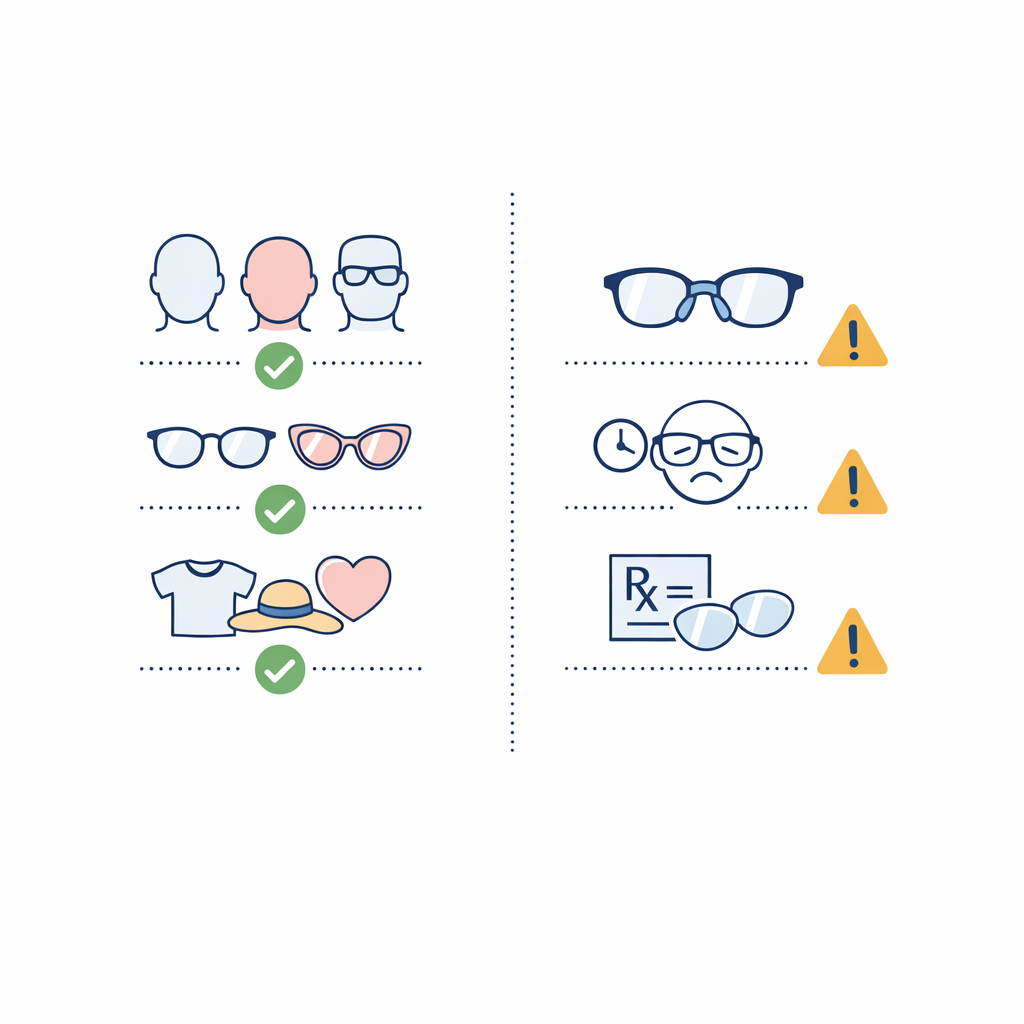
An AI glasses finder is a shopping tool that uses a live camera view or uploaded photo, basic facial analysis, and your style inputs to recommend frames worth trying first. It helps narrow choices faster, then pairs those suggestions with a virtual preview so you can build a shortlist.
You may also see the same idea called an AI eyeglass finder, virtual glasses finder, online frame finder, or glasses recommendation tool. The name changes, but the job is the same: reduce a large catalog to a few promising shapes, colors, and sizes.
- Best use: getting from hundreds of frames down to a handful you would realistically wear.
- What it reads well: broad face proportions, style preferences, and visual shape differences.
- What it reads poorly: long-wear comfort, exact bridge feel, and whether a frame will suit your prescription.
- What it should not replace: frame measurements, prescription details, and common-sense comparison shopping.
What’s new about AI eyewear shopping
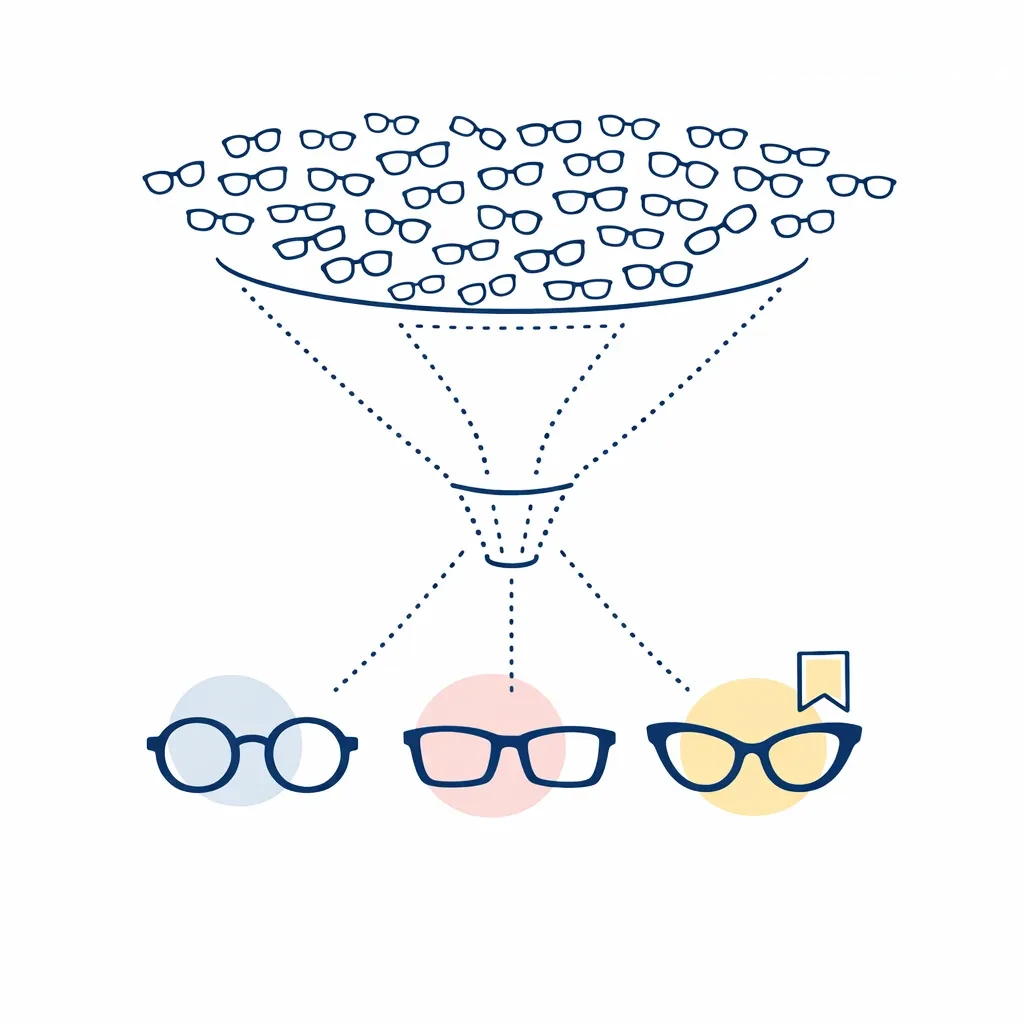
The big change is not that software suddenly knows your perfect frame. The change is that the shopping flow is getting faster, with one tool often handling photo upload, face-shape guidance, frame recommendations, and virtual try-on in the same session.
That makes it easier to move from “I have no idea what suits me” to “I have three good options.” It also makes it easier to over-trust the first recommendation, which is why validation still matters.
How virtual glasses tools work step by step
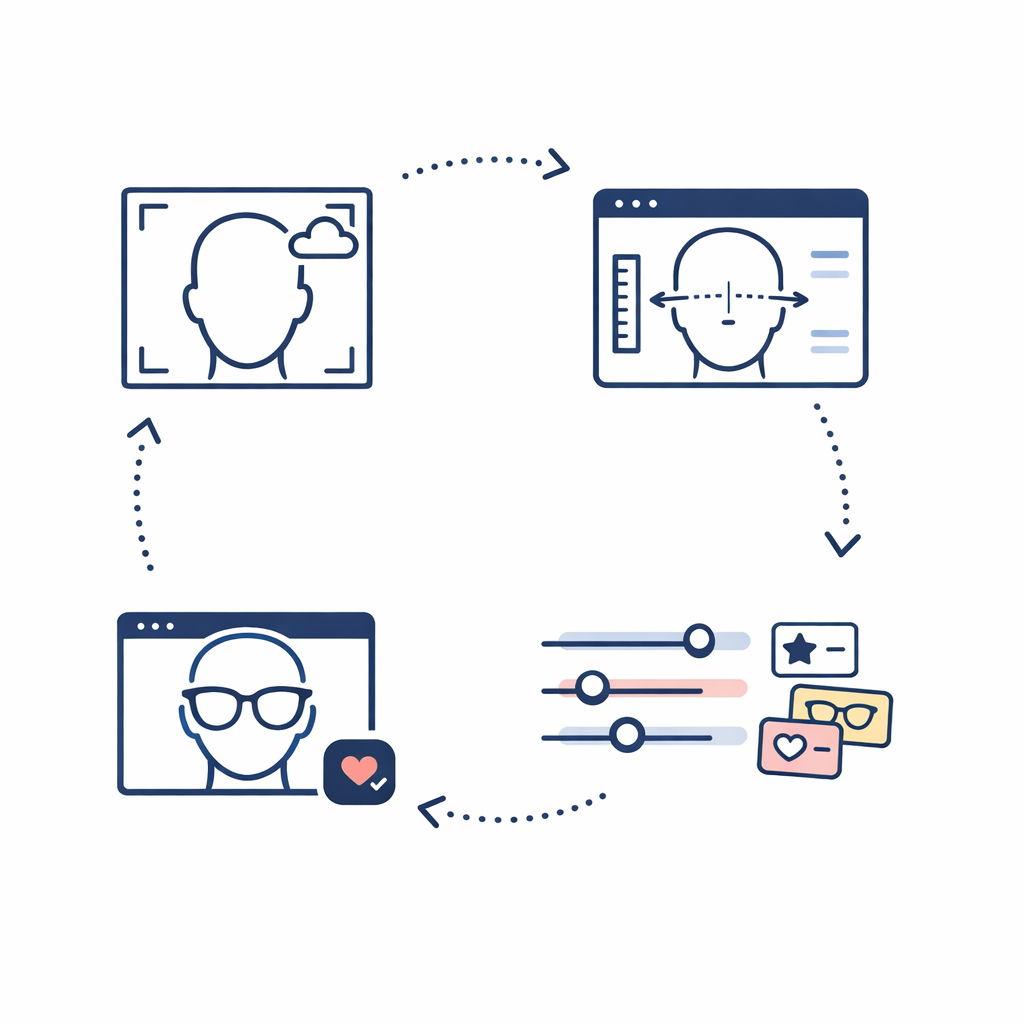
If you have ever wondered how an AI choose glasses flow works, it is usually much simpler than it sounds.
- 1. Face scan or photo upload: you use a live camera or add a clear front-facing photo.
- 2. Facial measurements and proportions: the tool estimates how different frame shapes may sit on your face.
- 3. Style preference inputs: you may choose categories like bold, classic, minimal, oversized, or lightweight.
- 4. Virtual try-on and shortlist creation: the tool shows likely matches so you can compare and save favorites.
Face scan or photo upload
A good image is the foundation of a good recommendation. The tool needs a straight-on view with enough detail to see your eyes, brow line, cheeks, and the width of your face.
Facial measurements and proportions
This is where the AI glasses tool estimates broad relationships like face length versus width or how strong your angles look. It is not performing an eye exam, and it is not measuring fit with the precision of the product specs on a frame page.
Style preference inputs
The better tools let you tell them what you actually want. That matters because two frames can suit the same face shape while giving off completely different looks.
Virtual try-on preview and shortlist creation

The preview helps you answer a visual question: “Do I like this shape on me?” The shortlist helps you answer the shopping question: “Which two or three frames deserve a closer look before I check size, lenses, and price?”
What AI can help with when choosing frames faster
Narrowing by face shape
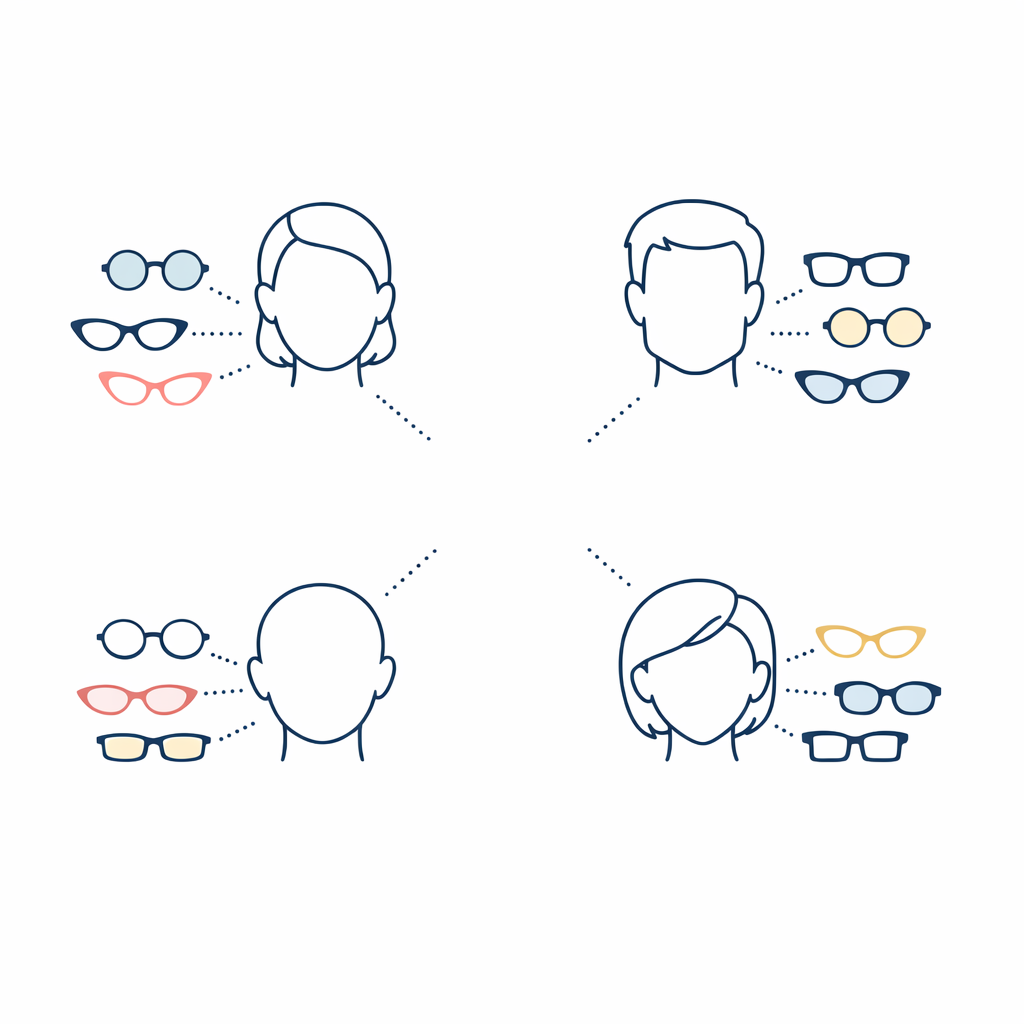
An AI glasses finder can be useful when you want a starting point for face shape without spending twenty minutes debating whether your face is round, oval, square, or heart-shaped. Think of it as a shortcut, not a verdict.
Comparing frame shapes, colors, and sizes
Once the tool has a decent read on your face, it can quickly surface differences that would be easy to miss in a product grid. A soft round frame, a sharp rectangle, and a slightly upswept cat-eye may all fit the same style budget but create very different results on your face.
Reducing guesswork before checkout
This is where a virtual glasses finder saves the most time. Instead of opening thirty tabs, you can dismiss whole categories fast and focus on the few frame families that look most promising.
Previewing prescription and sunglasses options
AI can also help at the category level by steering you toward eyeglasses, sunglasses, or frames that could work for lens replacement. It can support the search, but you still need to decide whether the frame makes sense for clear lenses, sun lenses, or your specific prescription.
What AI glasses tools cannot do on their own
They cannot replace frame measurements
A flattering preview is not the same thing as a well-sized frame. Before you order, compare the frame width, lens width, bridge, and temple length to a pair you already own and like.
They cannot confirm comfort or final fit
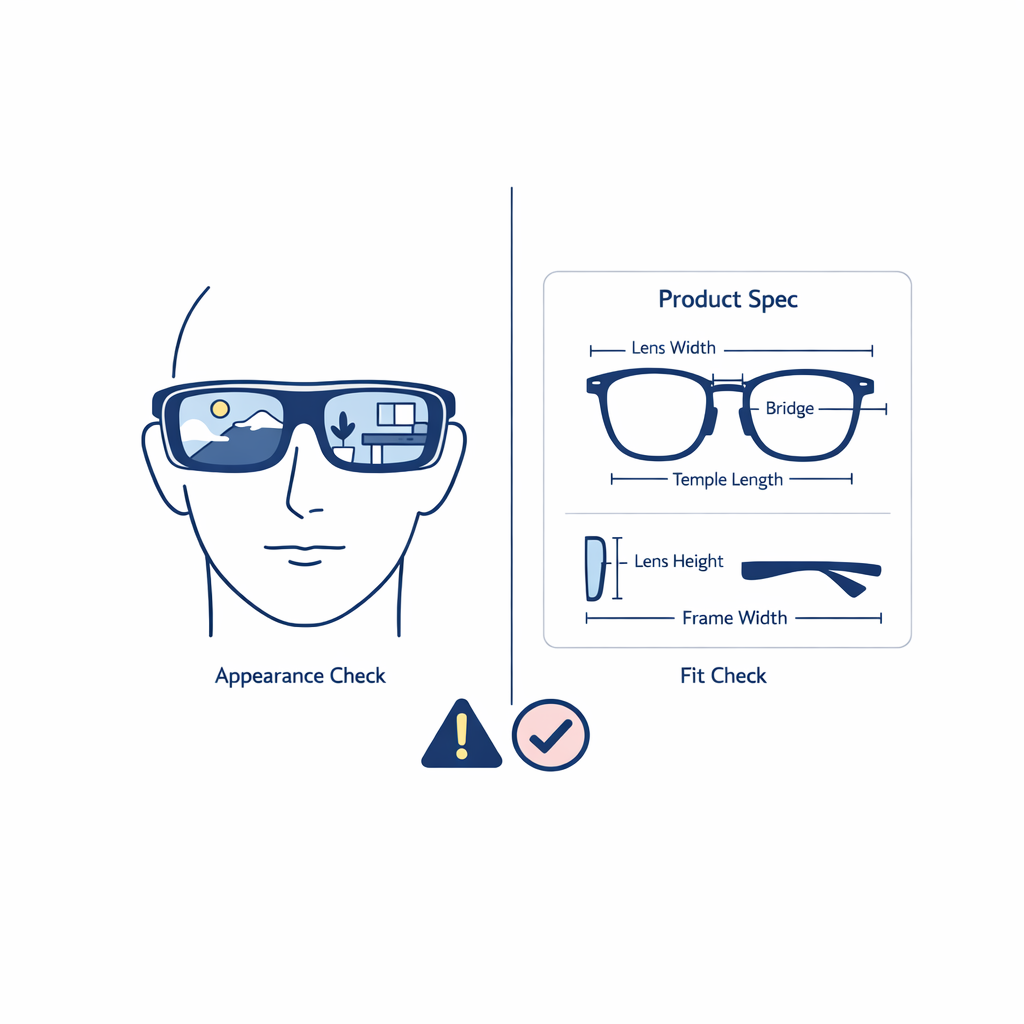
No AI finder can tell you how nose pads will feel after a full workday or whether the temples will sit comfortably behind your ears. Comfort depends on real-world wear, not just appearance on a screen.
They cannot verify prescription accuracy
A recommendation engine can help you choose frames, but it does not create or confirm the prescription itself. If your prescription is outdated, complicated, or no longer feels right, solve that first and shop second.
They may miss personal style nuance
AI is good at pattern-matching. It is less good at understanding that you want a frame that feels subtle for work, strong enough for photos, light enough for all-day wear, and different from the last pair you bought. That is why your own taste should outrank the tool’s first guess.
How to get better results from an AI glasses finder
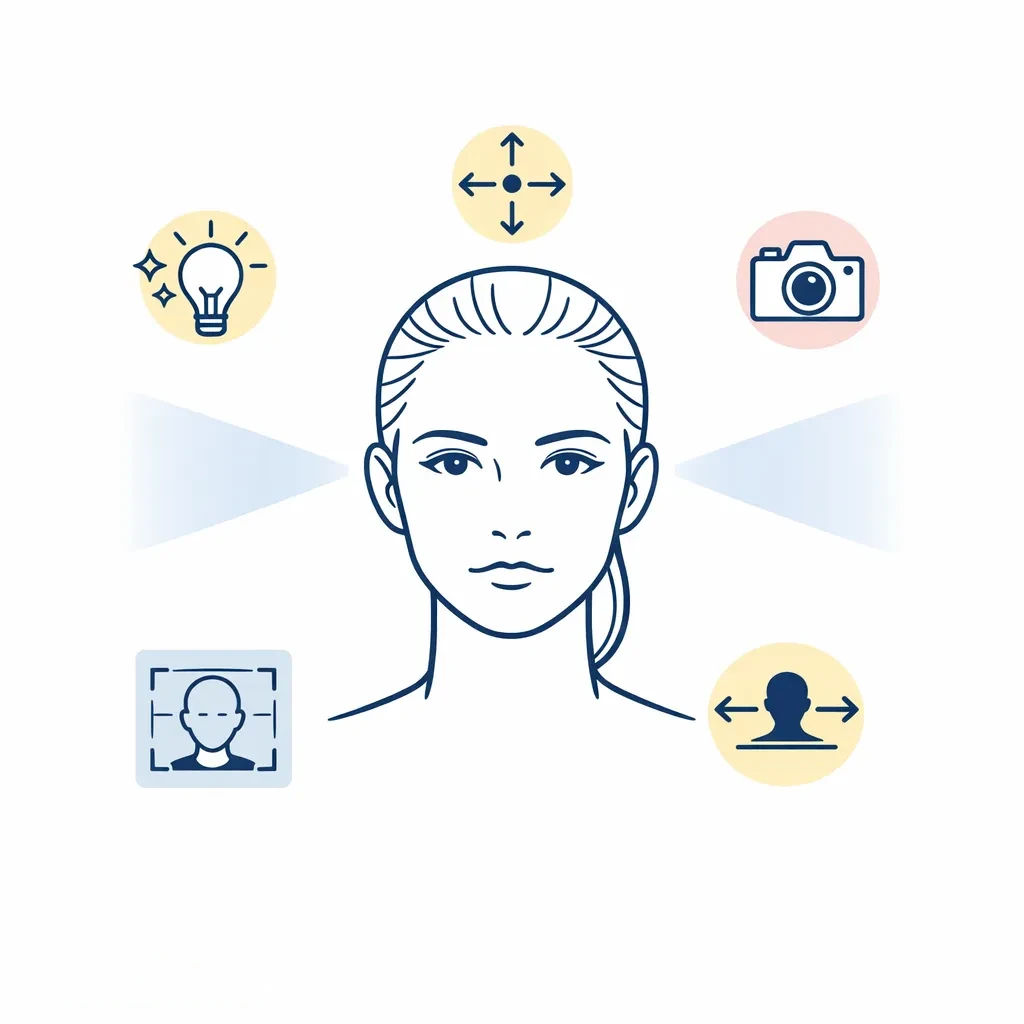
Use bright, even lighting
Harsh shadows can make your face look more angular or uneven than it really is. Daylight or soft indoor light usually gives the tool the cleanest read.
Keep hair away from your face
If your hair covers your cheeks, temples, or brow line, the tool has less to work with. Pull hair back for the scan, then bring your hairstyle back into the decision later.
Look straight at the camera
A tilted selfie can throw off proportions and make the frame preview look better or worse than it should. Keep your head level and your expression neutral so the comparison stays honest.
Check PD, bridge fit, and frame width before buying
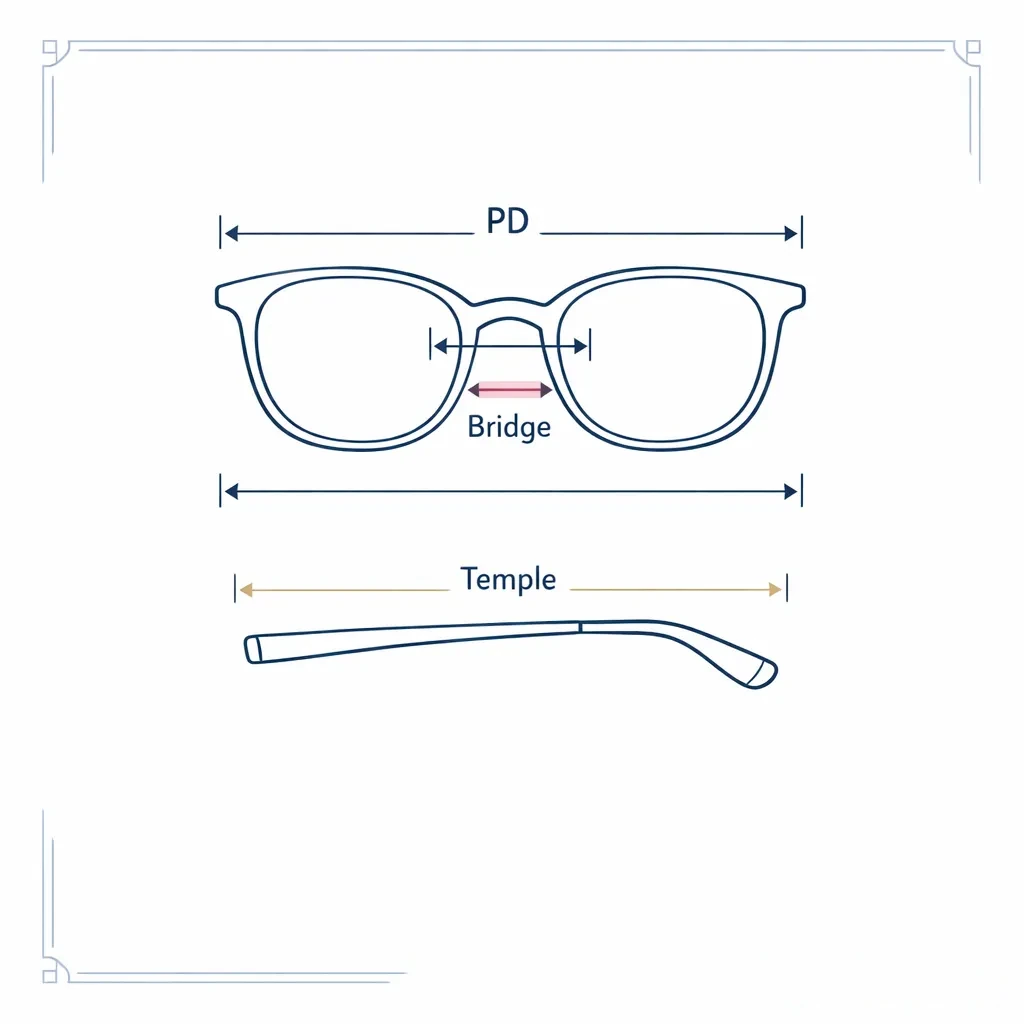
Before you order prescription lenses, confirm your pupillary distance, or PD, along with the frame’s bridge fit and overall width. If face shape is where you want extra help, use Find Your Fit after the AI shortlist, not instead of it.
- If every recommendation looks too wide: filter for narrower frame width and retake the photo from a normal distance.
- If shapes look off: check that your face is centered and your eyes are level in the image.
- If the preview looks great but the specs do not: trust the measurements over the rendering.
- If none of the recommendations feel like you: give the tool clearer style inputs and save a few very different shapes to compare.
How to validate AI picks before you order
Compare frame width, lens width, bridge, and temple length
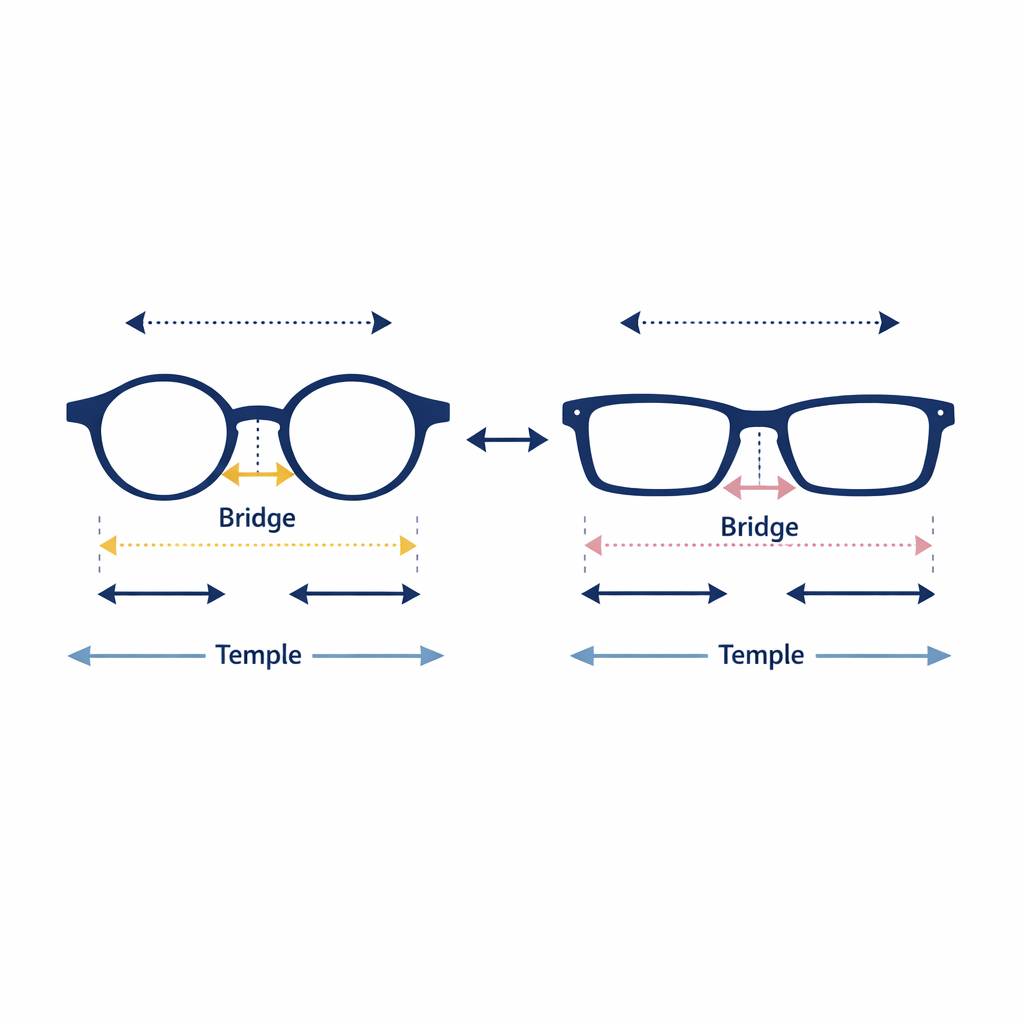
The easiest way to validate an AI pick is to compare it with a pair you already wear comfortably. If the new frame is much wider, narrower, or shorter in the temples, the odds of disappointment go up.
Review prescription needs and lens types
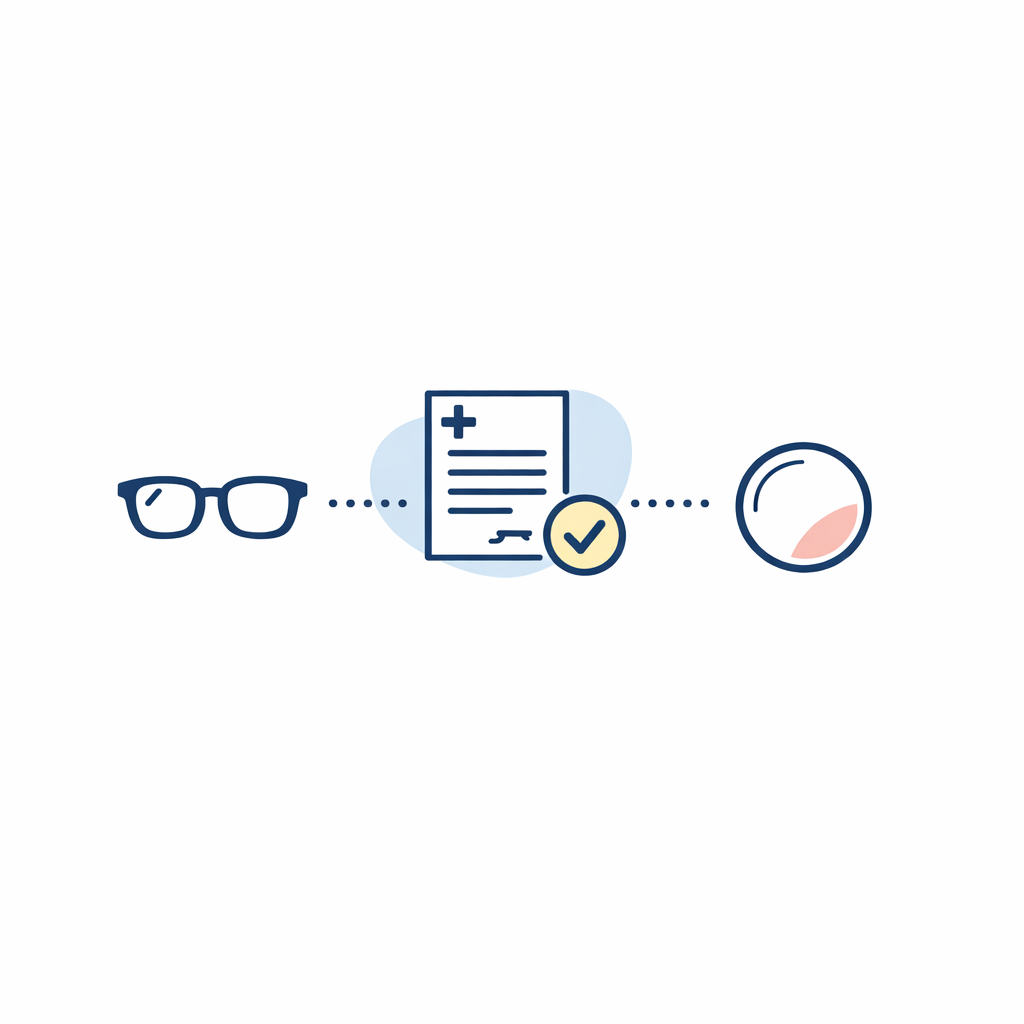
A frame that looks great still has to work with the way you see. Single-vision, reading, and progressive wearers should all check that the frame shape and size make sense for how the lenses will be used, especially if the prescription is stronger or more complex.
Consider lens upgrades like blue light, photochromic, or sunglasses
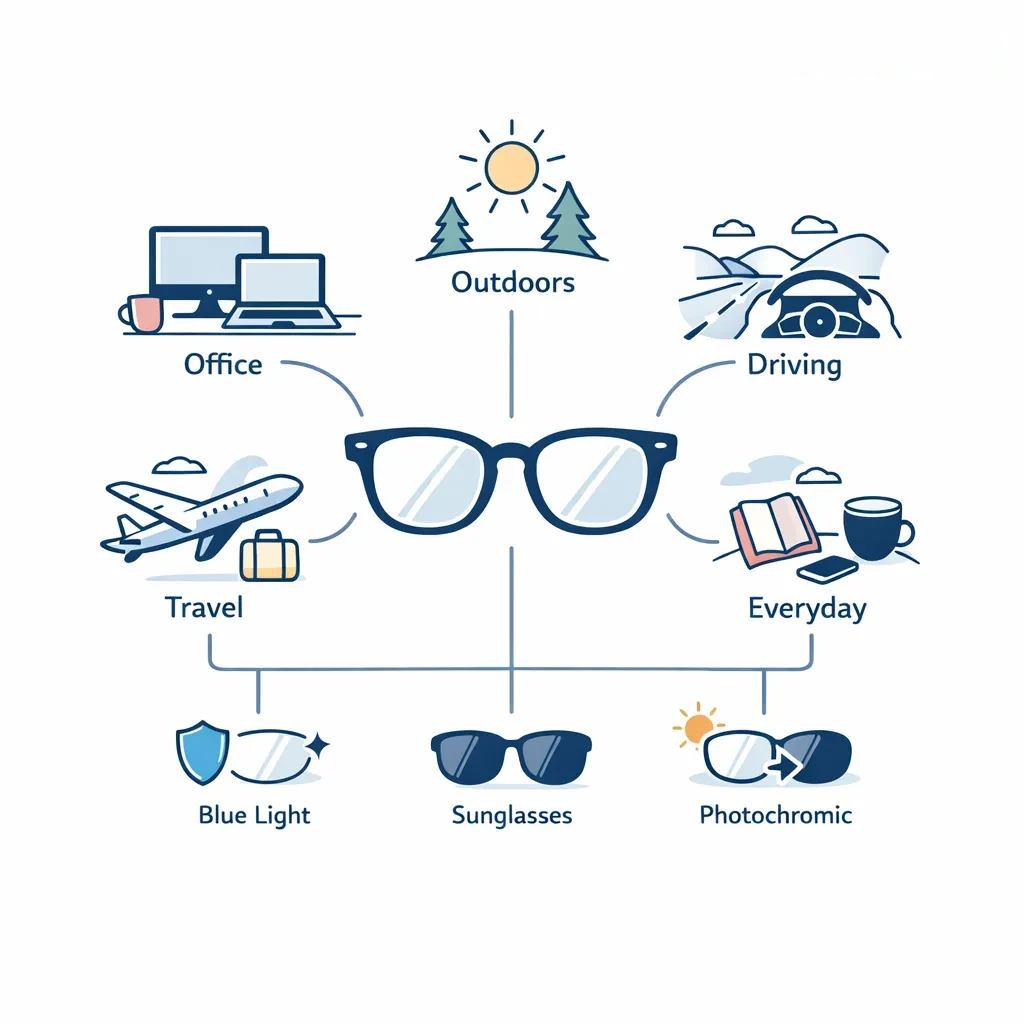
This is the point where shopping gets more personal than visual. Think about your real day: office screens, commuting, driving, outdoor sports, travel, or switching between clear everyday glasses and sunglasses.
Save top picks and compare side by side
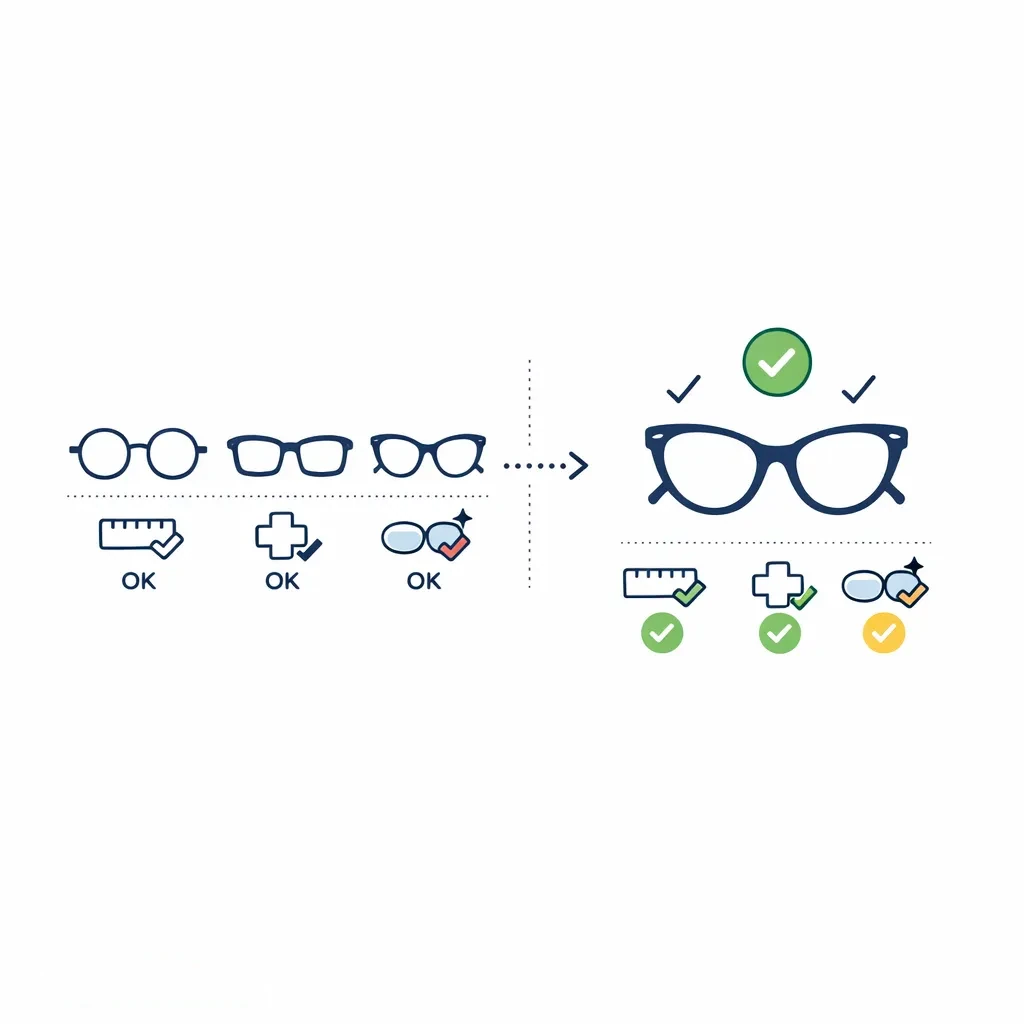
The best use of an AI finder is not choosing one frame instantly. It is helping you create a shortlist you can compare side by side, then matching the winner with the right lens plan. That is where LensDirect fits naturally into the process, especially if you want to move from discovery to lenses without losing momentum.
AI glasses finder vs virtual try-on vs style quiz
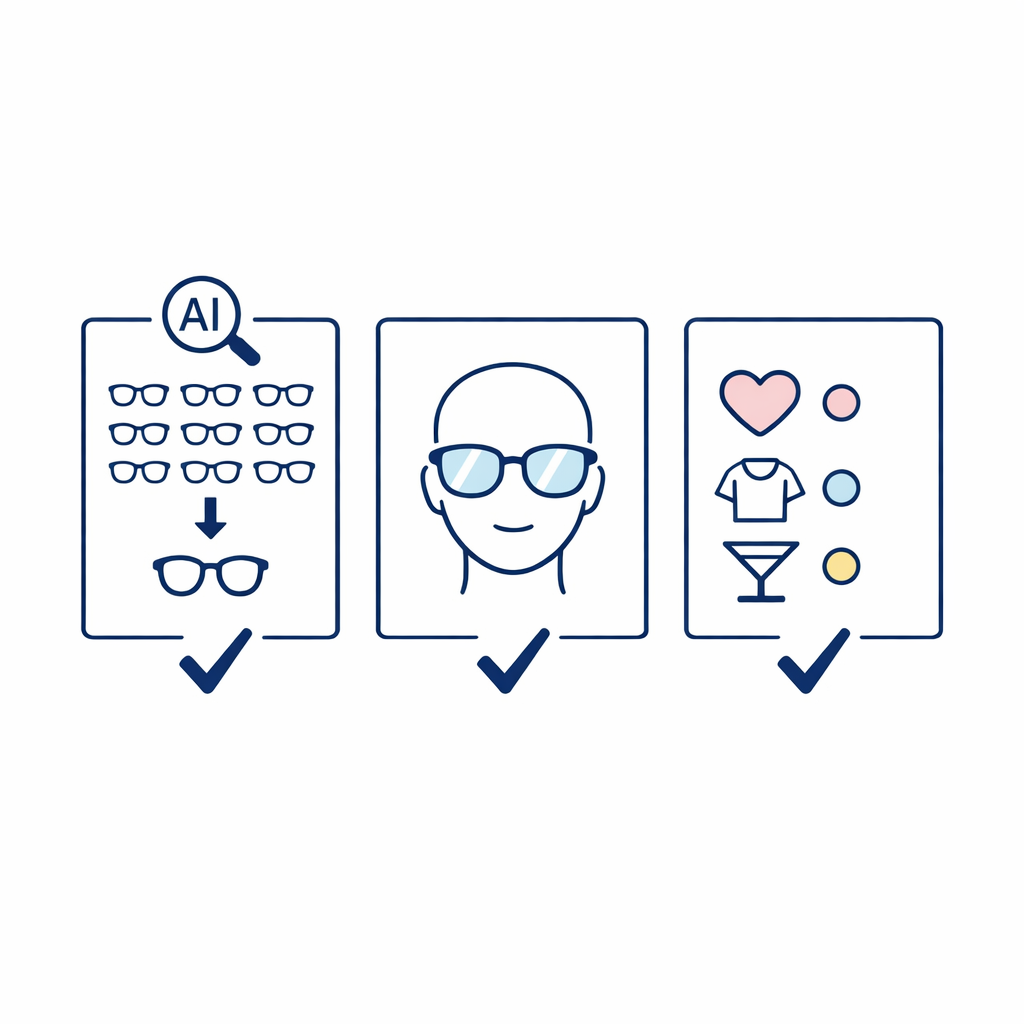
These tools overlap, but they are not the same thing.
- AI glasses finder: best for narrowing a big catalog quickly using your face and a few preference signals.
- Virtual try-on: best for seeing how one specific frame looks on your face before you shortlist it.
- Style quiz: best for taste direction, such as classic versus bold, but weaker for fit and sizing.
A smart shopping flow often uses all three in sequence. Start with taste, use AI to narrow, and use virtual try-on to pressure-test the finalists.
Common mistakes and misconceptions
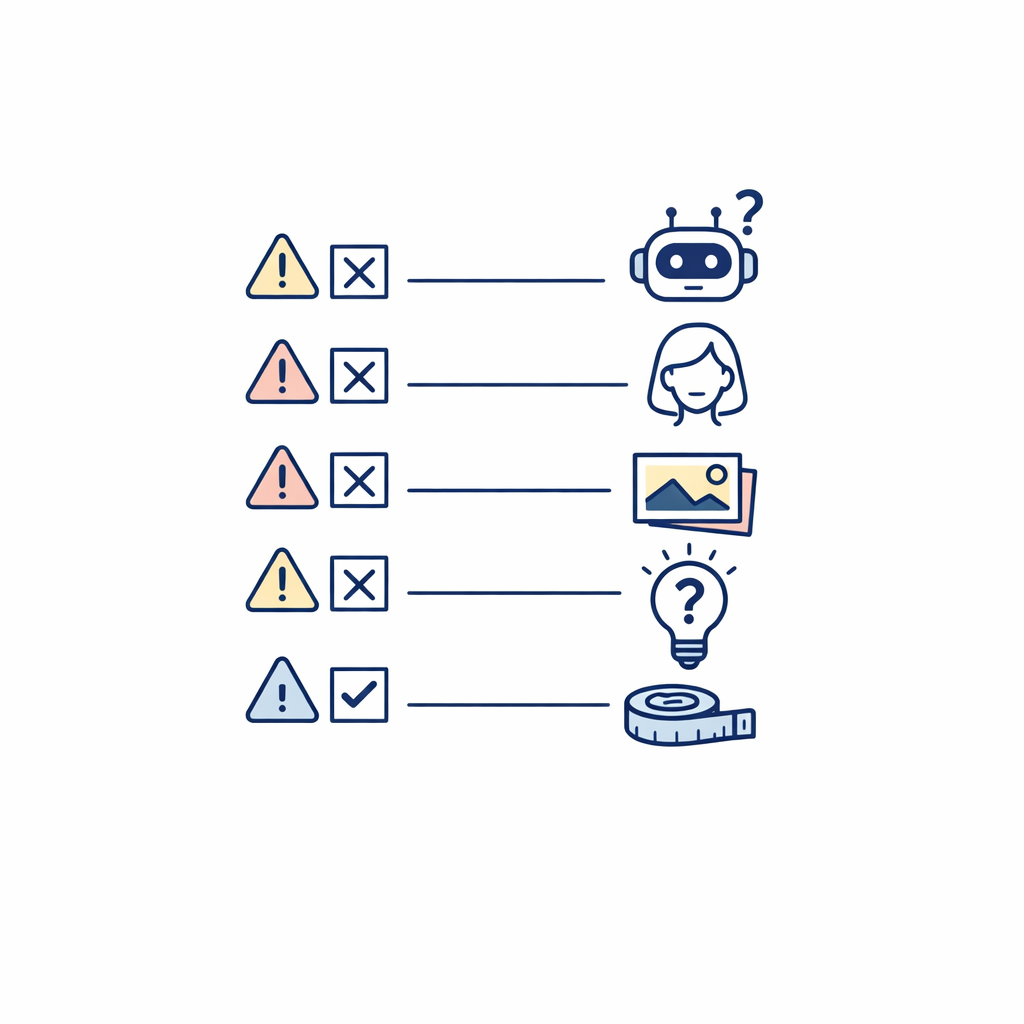
- “If AI picked it, it must fit.” A good recommendation is still only a recommendation until you compare measurements.
- “Face shape decides everything.” Style, bridge fit, prescription needs, and how the frame feels matter too.
- “If it looks good in the preview, I am done.” Visual approval should be the middle of the process, not the end.
- “One perfect answer should appear immediately.” The goal is usually a strong shortlist, not a magical single winner.
- “Free app means no effort.” Even a free AI glasses tool works better when you give it a clear photo and then check the specs yourself.
FAQs about AI glasses finders
Is there an AI that can pick glasses for me?
Yes, there are tools that can recommend frames based on your face and preferences. The useful expectation is not “AI will decide for me,” but “AI will narrow my choices faster so I can decide better.”
How do I check which glasses look good on me?
Start with a virtual preview, then compare two or three frame shapes side by side. After that, validate the winner with real measurements, your prescription needs, and the way you plan to use the glasses.
How can I see what glasses will look like on me?
Use a virtual try-on tool with a front-facing photo or live camera. For the most accurate comparison, keep your head level, use even lighting, and test a few sizes instead of only one shape.
Is there an AI tool to try on glasses?
Yes. Some tools focus on recommendation first and others focus on virtual try-on first, but both can help you see glasses on your face before you buy.
Can AI tell me the best glasses for my face?
It can suggest frames that are likely to suit your face, but “best” still depends on personal style, comfort, frame size, and prescription details. The most realistic goal is a better shortlist, not a final verdict.
What to do next
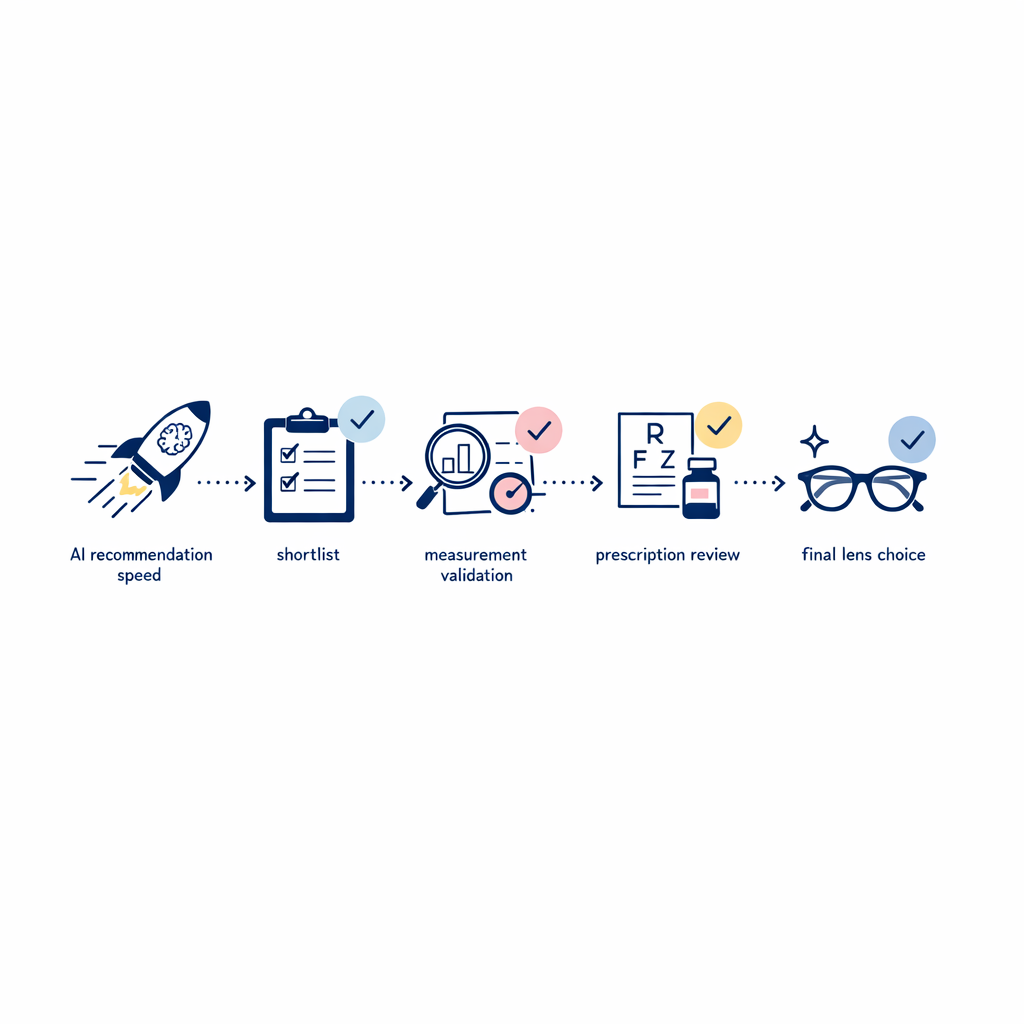
- Take a clear, front-facing photo in even light.
- Use the AI glasses finder to shortlist only a few frame shapes.
- Compare each finalist to a pair you already wear well.
- Double-check your PD measurement and the frame specs before ordering.
- Decide whether you need clear lenses, sunglasses, or a lens replacement workflow.
- If your vision has changed or you also wear contacts, remember that the FDA classifies contact lenses as medical devices, so that part of your order needs its own valid prescription and proper fit.
Find your next pair with more confidence

If AI helped you narrow the search, LensDirect can help you finish it with real-world buying options. You can Shop Glasses for everyday frames, Shop Sunglasses for sun-ready styles, Shop Contacts if you rotate between eyewear types, or Replace Your Lenses if the frame you already own is still the right fit.
If you want a replacement path that matches your comfort level, choose Full-Service Replacement and send your frames in, or Order Replacement Lenses for a DIY route.
- Need shape guidance before you decide? Find Your Fit.
- Need help with measurements? Learn How to Measure Your Pupillary Distance.
- Planning to use vision benefits? Learn How to Get Reimbursed by Your Insurance.
Author

Subscribe to our email newsletter to get the latest posts delivered right to your email.