
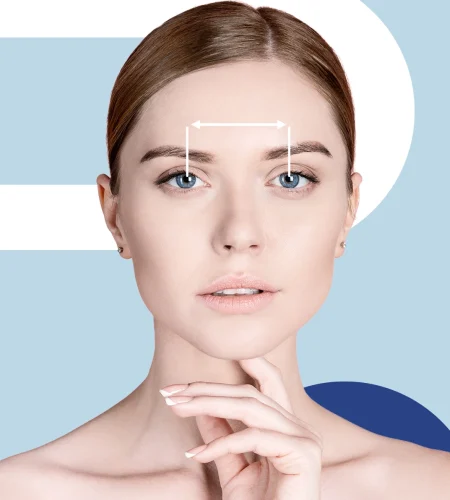
Ordering glasses online is awesome — until you hit that little field that asks for PD.
If you’ve never measured it before, it can feel weirdly high-stakes.
The good news: pupillary distance (PD) is simple to measure at home, and with a couple of repeats you can get a number that’s accurate enough for most single-vision lenses.
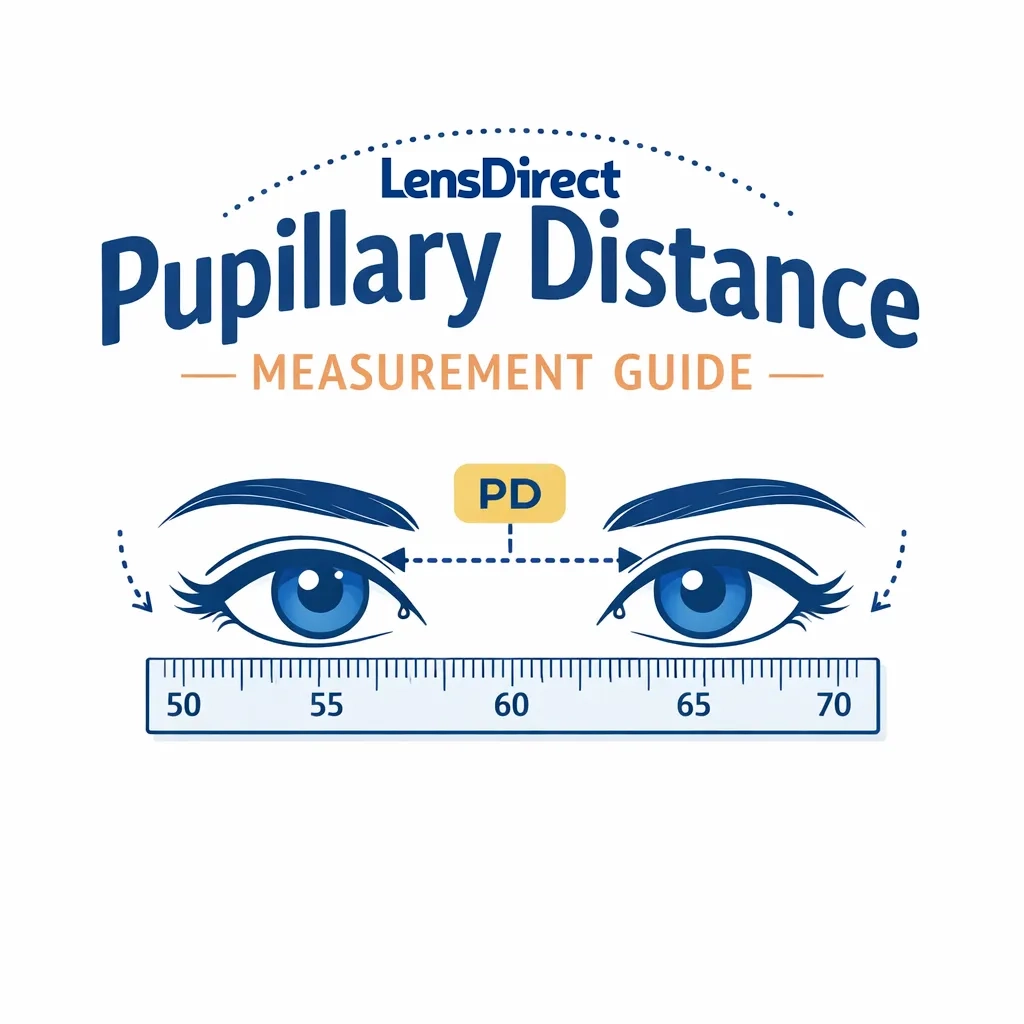
This guide covers what PD is, why it matters, and three easy at-home methods you can do with basic tools (plus a few pro tips to avoid the most common mistakes).
What is Pupillary Distance (PD)?
Pupillary distance (PD) is the distance (in millimeters) between the centers of your pupils. Lens labs use it to position the “optical center” of each lens so you’re looking through the correct part of the prescription.
Why PD matters
When PD is off, your lenses can feel “not quite right,” even if your prescription is correct. People often describe it as:
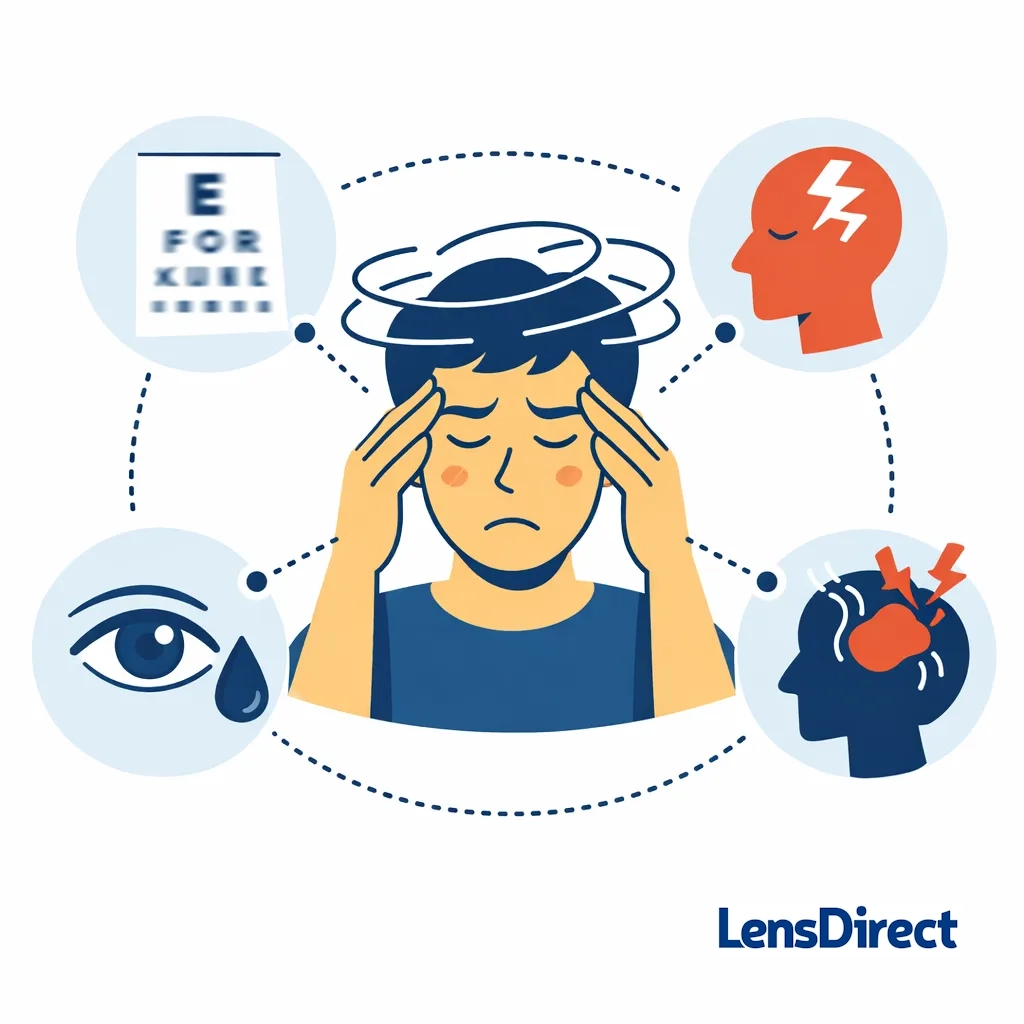
- Mild blur or “swimmy” vision
- Eye strain or headaches (especially during long screen time)
- Feeling like you need to tilt your head to see clearly
Accuracy matters even more if you have a stronger prescription or you’re ordering progressives/bifocals, because small alignment errors can be more noticeable.
PD basics you should know before measuring
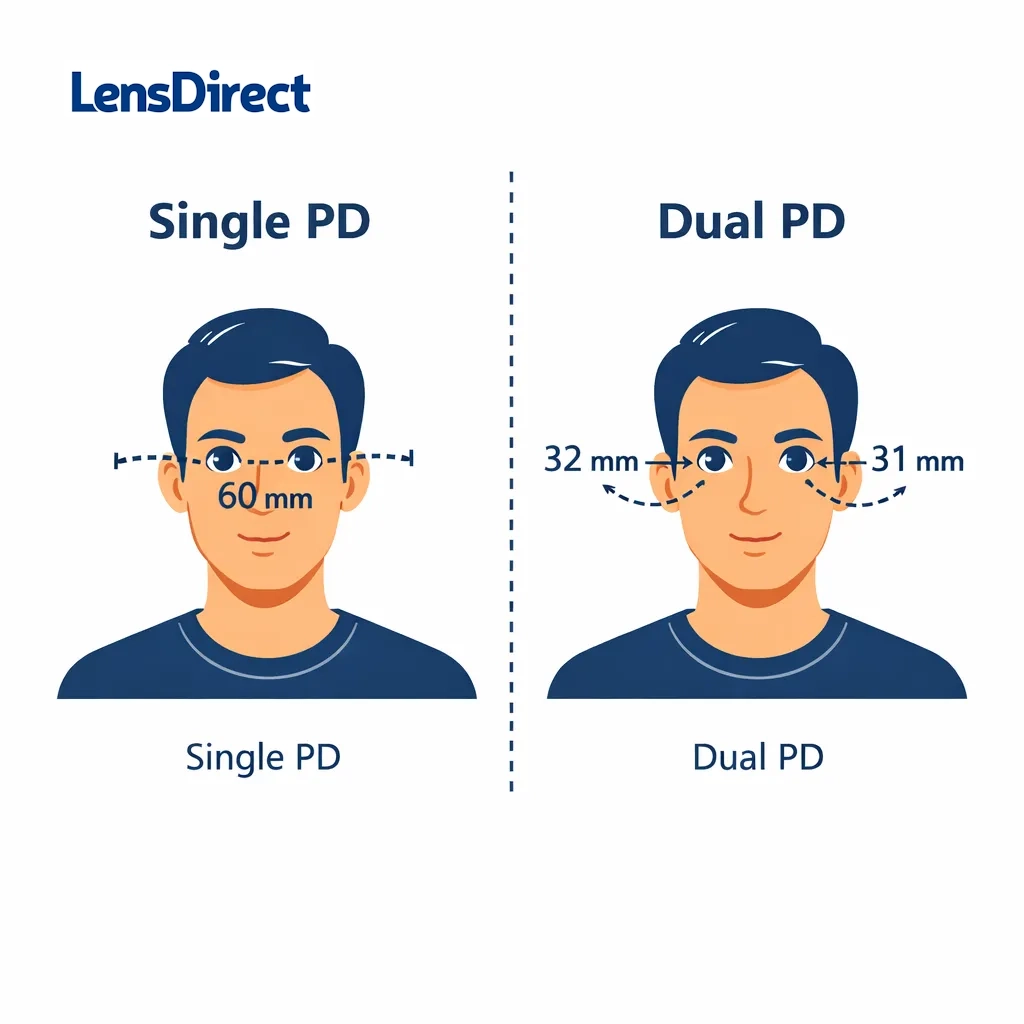
1) Single PD vs. Dual PD
- Single PD: one number (e.g., 63 mm) measuring pupil-to-pupil.
- Dual PD (Monocular PD): two numbers (e.g., 31 / 32) measuring from the center of your nose bridge to each pupil.
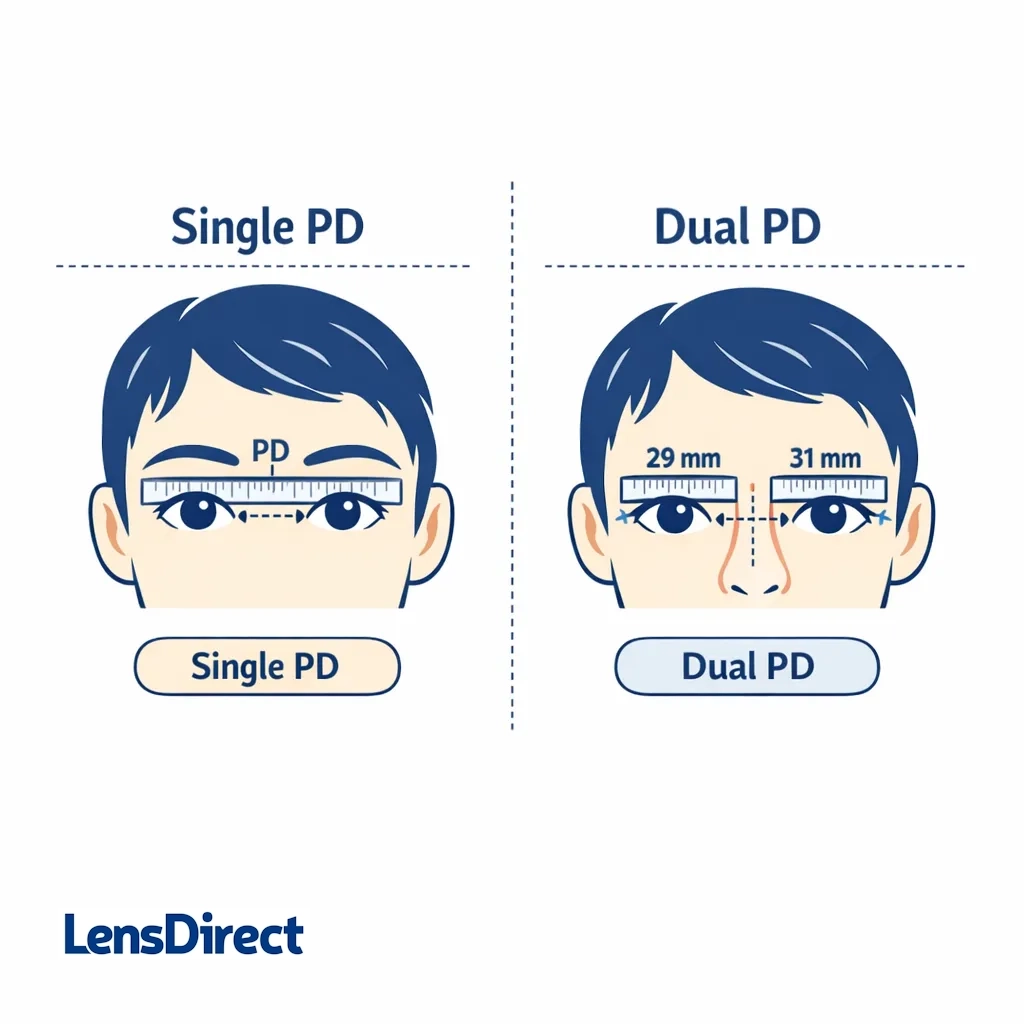
If a site only asks for one number, you’ll enter single PD. If it asks for two, you’ll enter dual PD. (Dual PD can be slightly more accurate, because many faces aren’t perfectly symmetrical.)
2) Distance PD vs. Near PD
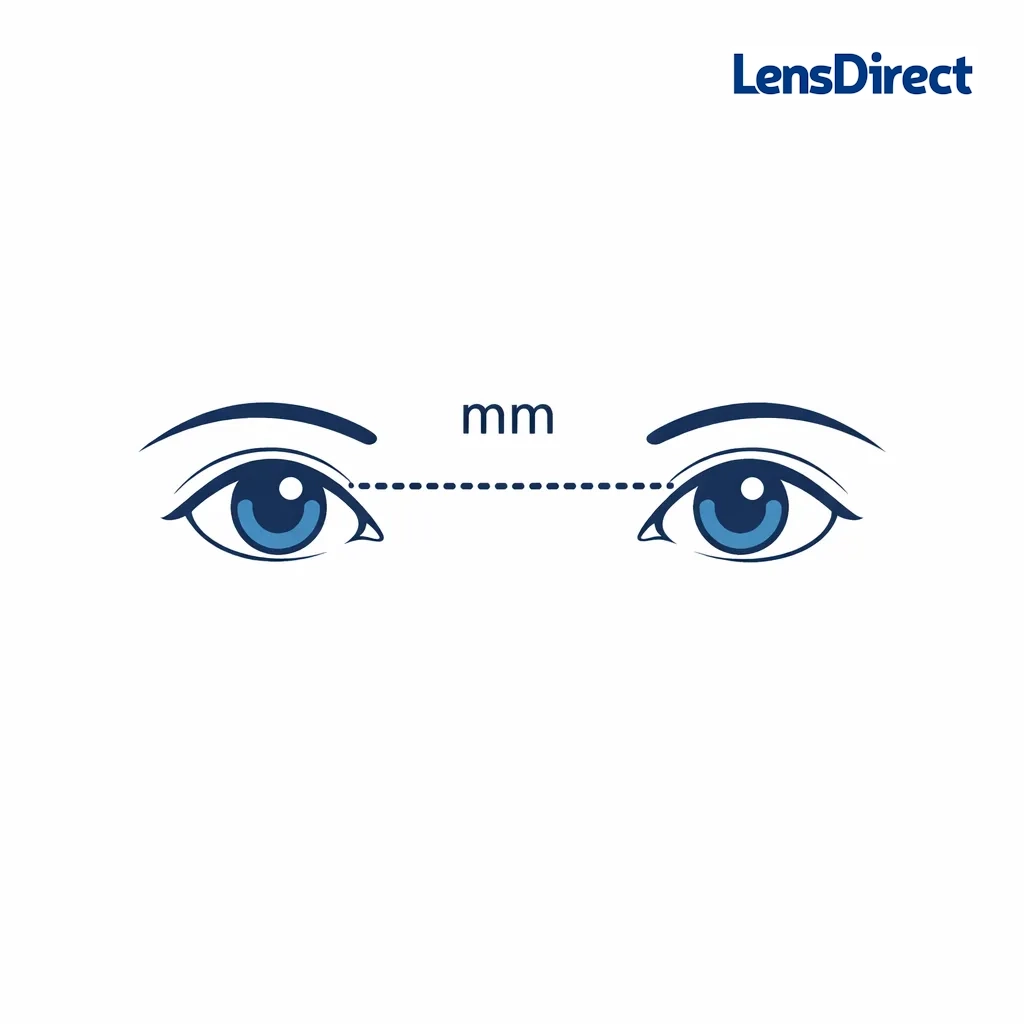
- Distance PD is used for everyday distance and general wear.
- Near PD is used for reading tasks (like dedicated reading glasses).
Near PD is usually a bit smaller than distance PD because your eyes converge when you focus up close. If you’re ordering single-vision distance or everyday glasses, use distance PD. If you’re ordering reading-only glasses, near PD can be helpful (though some labs can also calculate it depending on the lens type).
If you’re unsure, start with distance PD — it’s the most commonly requested measurement for online glasses orders.
Before you start: quick setup for best accuracy
You’ll get the best results if you:
- Use a millimeter (mm) ruler (not inches)
- Measure in bright, even light
- Keep your head straight (no tilt)
- Repeat each method 3 times and use the most consistent number
What you’ll need (depending on the method)
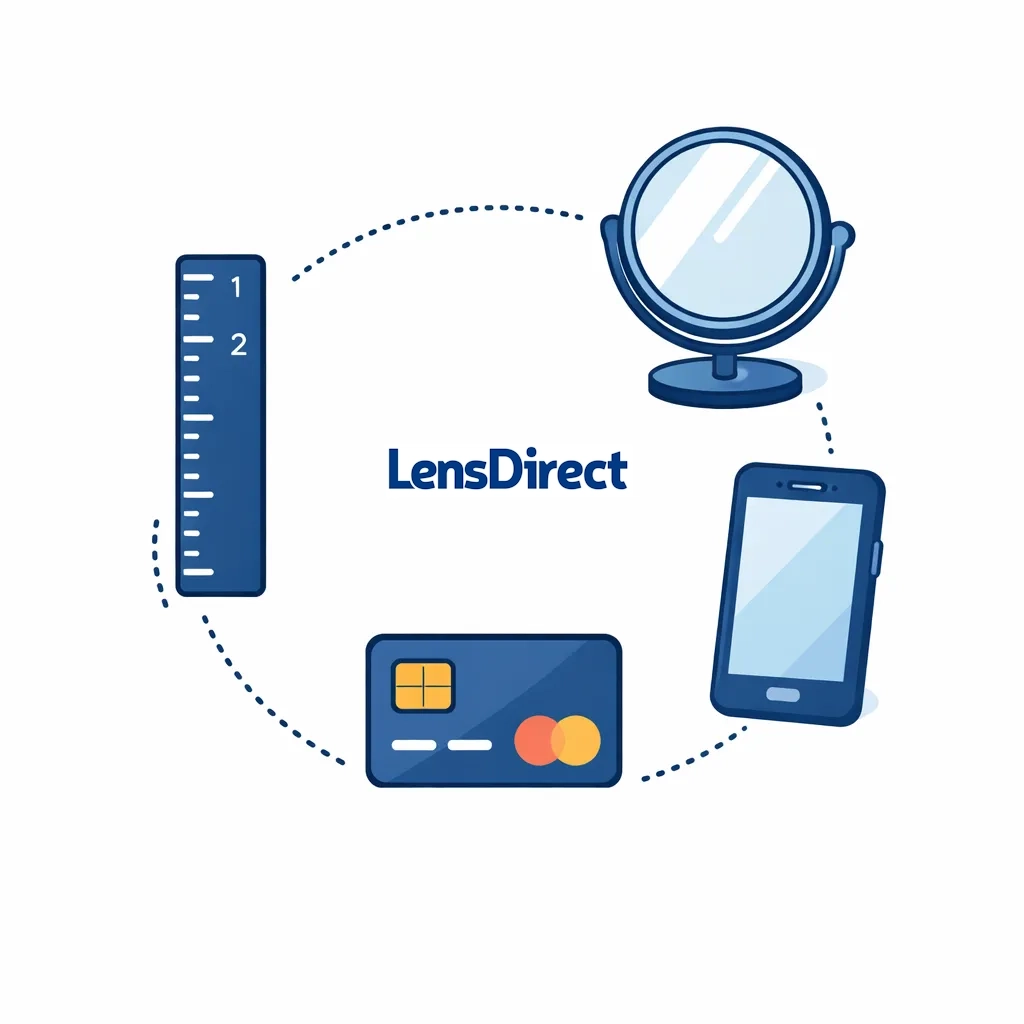
- A mm ruler (or a printable mm ruler)
- A mirror (or a friend)
- A smartphone (optional for method #3)
- A standard credit/debit card (for method #3)
Method 1: Mirror + Ruler (Quick Solo Method)
This is the fastest “do it yourself” approach and works well if you’re careful and repeat it.
What you need: Mirror + mm ruler
Best for: Single PD (one number)
Steps
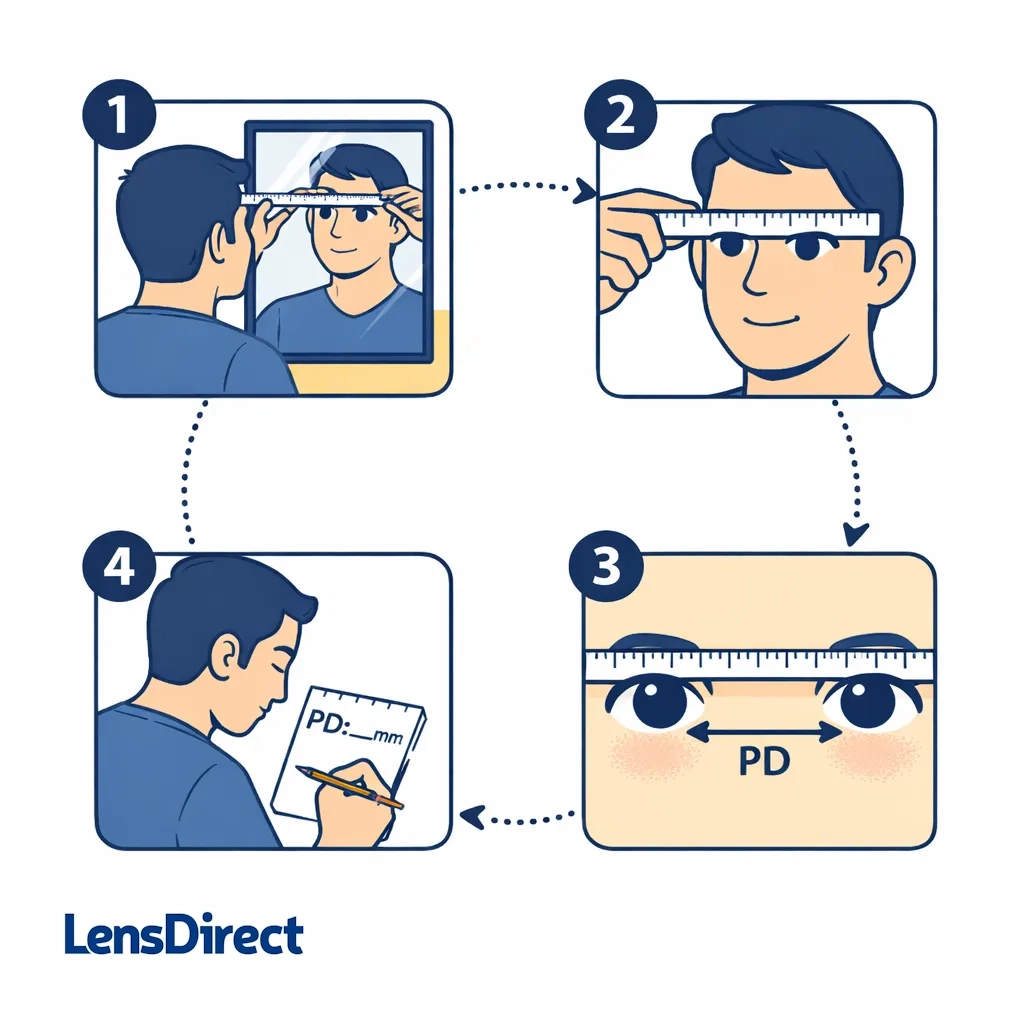
- Stand about 8–12 inches from a mirror at eye level.
- Hold the ruler horizontally across your brow or the bridge of your nose.
- Close your right eye.
- Line up the 0 mm mark with the center of your left pupil.
- Without moving the ruler, open your right eye and close your left eye.
- Read the mm mark that lines up with the center of your right pupil.
- Write it down.
- Repeat 2–3 more times. Use the number you get most consistently.
Common mistakes to avoid
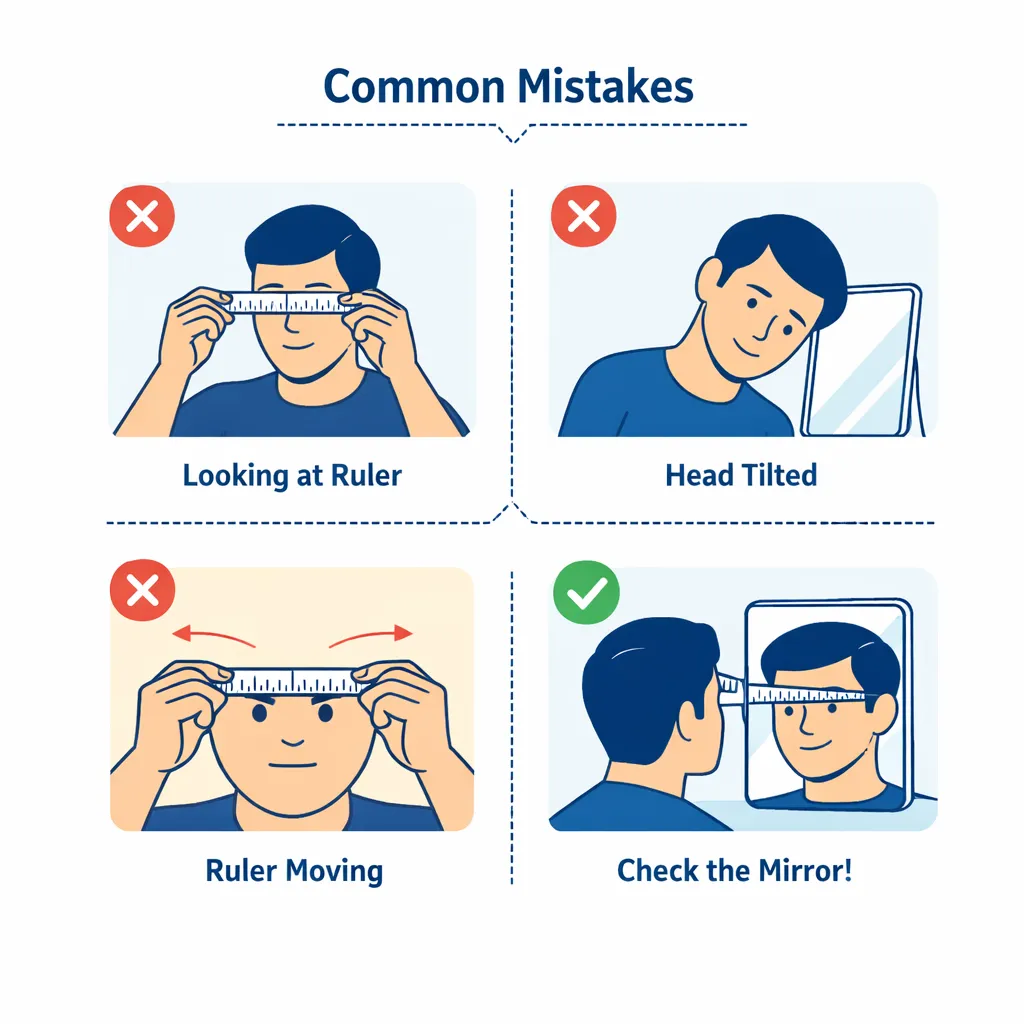
- Looking at the ruler instead of your reflection. Keep your gaze steady and neutral.
- Tilting your head even slightly changes the measurement.
- Moving the ruler between steps — this is the #1 cause of “off” readings.
Pro tip: If you’re getting wildly different numbers each attempt, don’t force it. Switch to Method 2 (friend method), which is often more reliable.
Method 2: Friend + Ruler (Most Accurate At-Home Option)
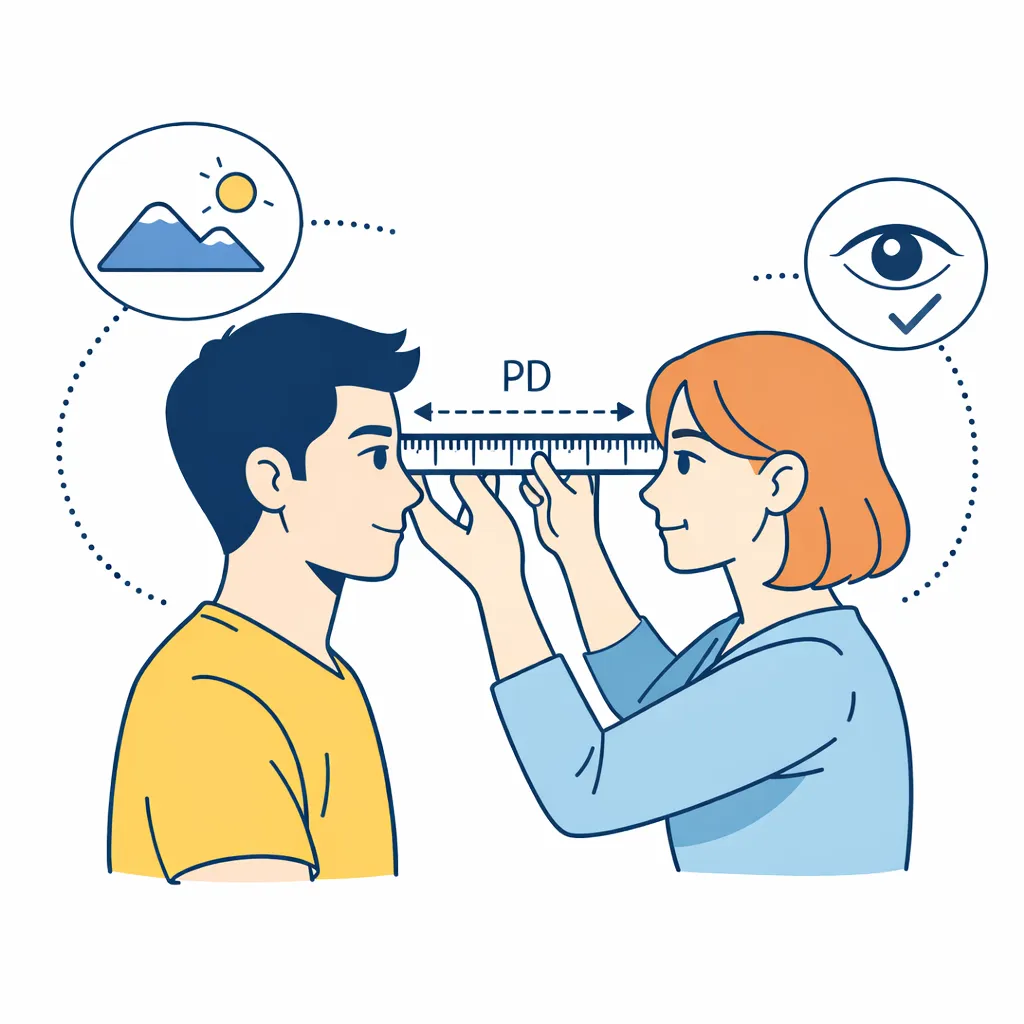
If you can recruit someone for 60 seconds, this tends to be the most accurate at-home method because it reduces parallax errors (the subtle shift that happens when you measure your own eyes in a mirror).
What you need: Friend + mm ruler
Best for: Single PD and Dual PD (monocular PD)
Steps for Single PD (pupil-to-pupil)
- Sit facing your friend at arm’s length, both at the same height.
- Look past your friend at a distant object (like a point on the wall behind them). This helps keep your eyes in a “distance” position.
- Your friend holds the ruler against your brow/bridge area, centered and level.
- They line up 0 mm with the center of your left pupil.
- They read the mm mark at the center of your right pupil.
- Repeat 2–3 times and use the most consistent result.
Steps for Dual PD (two numbers)
Dual PD is measured from the center of your nose bridge to each pupil.
- Your friend places the ruler so 0 mm aligns with the center of your nose bridge (the midpoint between your eyes).
- They measure from that point to the center of your left pupil (write it down).
- Then from that same midpoint to the center of your right pupil (write it down).
- You’ll end up with something like 31 / 32.
Pro tip: The two numbers usually add up to your single PD. If they don’t, re-measure until they do (or very nearly do).
Method 3: Smartphone Photo + Card (Great for Double-Checking)
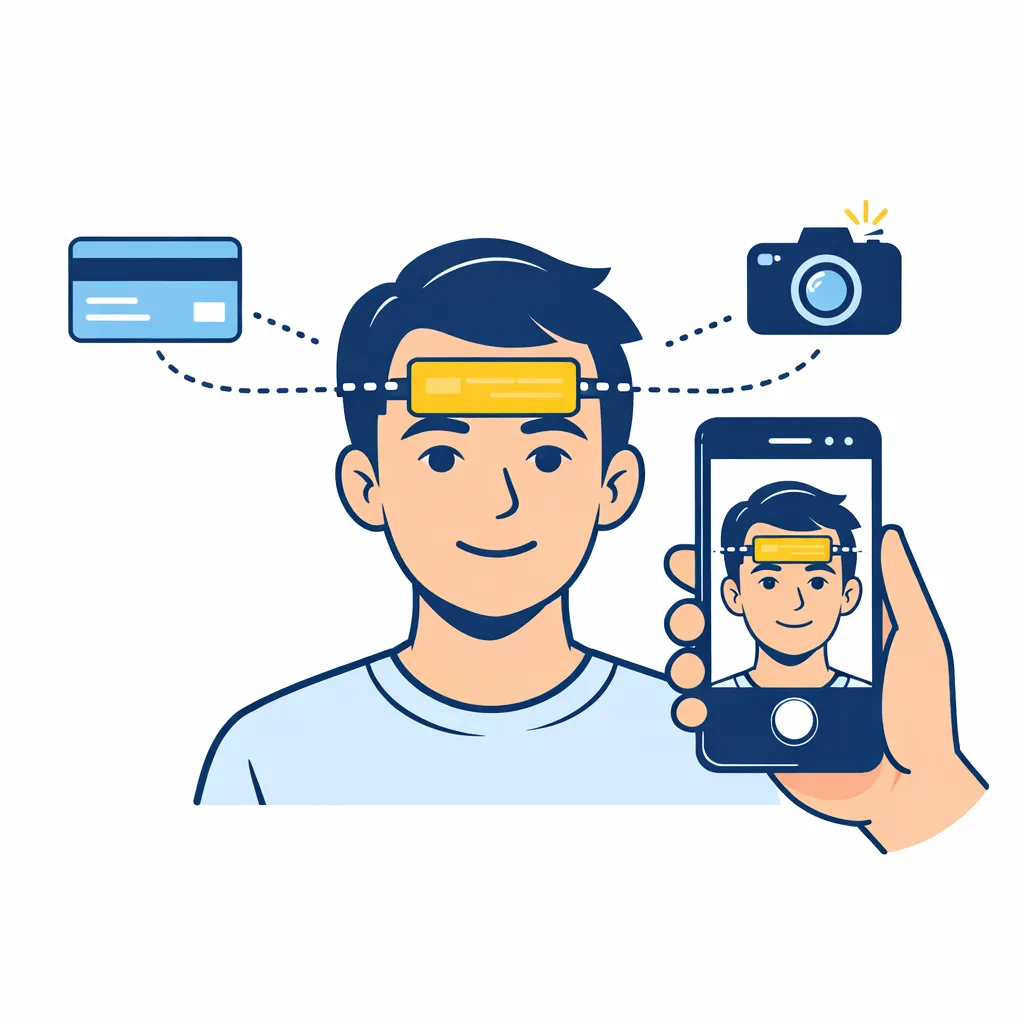
This method is excellent as a “sanity check” (or as your main method if mirror measuring is tough). You use a photo plus a reference object with a known width — typically a standard credit/debit card.
What you need: Smartphone + standard card + a way to view the photo up close
Best for: Double-checking your result; also useful for people who struggle with mirror alignment
Step-by-step
- Grab a standard credit/debit card (it’s 85.60 mm wide).
- Stand in bright light and open your camera.
- Hold the card flat against your forehead (or just under your nose), parallel to your face (not angled toward the camera).
- Use the rear camera if possible (it’s usually less distorted than selfie mode).
- Set a timer (3–10 seconds), keep your head straight, and look at a distant point.
- Take the photo.
- On a computer or phone, zoom in and measure:
- the distance between your pupils in the photo (in pixels or using an on-screen measure tool), and
- the width of the card in the photo (same unit).
Simple calculation
If you measured in pixels:
PD (mm) = (pupil_distance_px ÷ card_width_px) × 85.6
Do that once or twice with different photos. If your number matches the one you got from Method 1 or 2 (within about 1 mm), you’re in great shape.
Tips to keep this method accurate
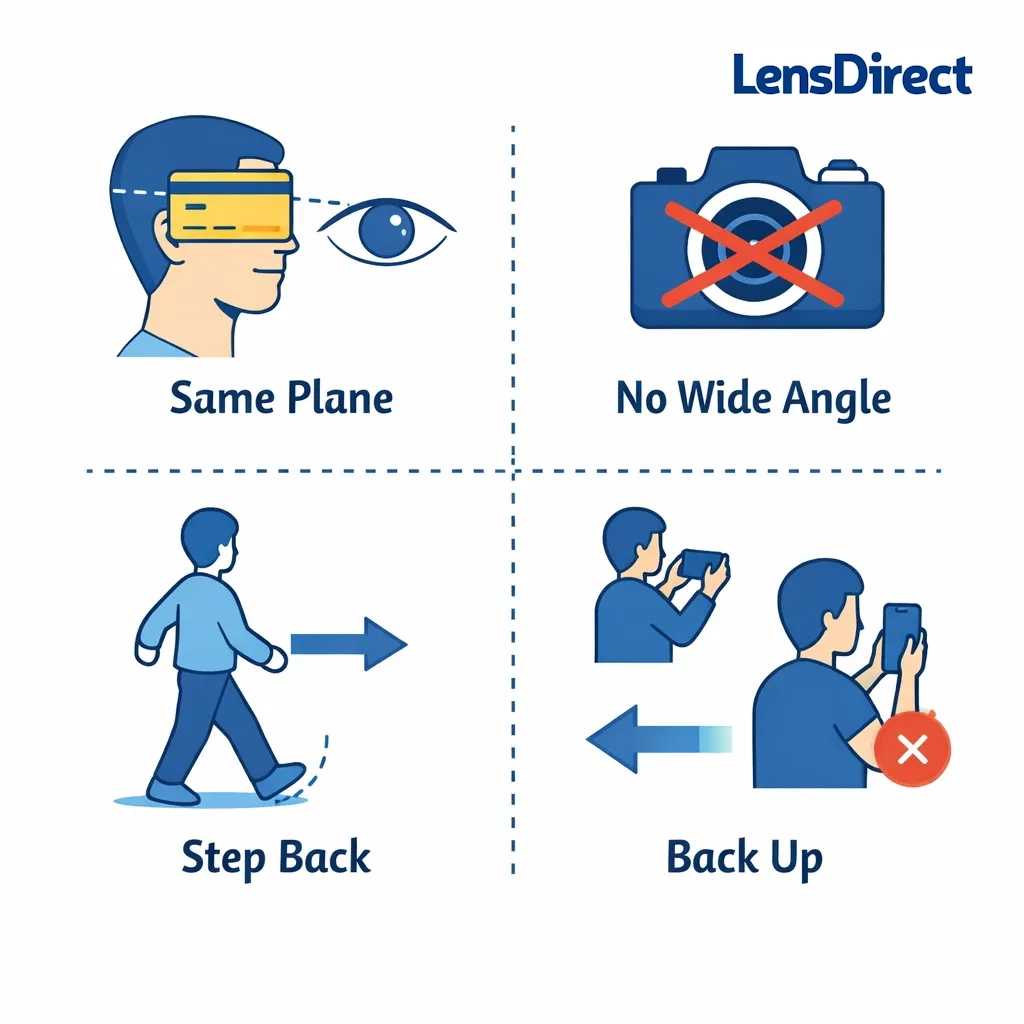
- Keep the card and your eyes on the same plane (flat, not tilted).
- Don’t hold the card closer to the camera than your face (that inflates the PD).
- Avoid wide-angle distortion — step back a bit and zoom slightly if needed.
Method 4: Using the LensDirect App (Fastest + Easiest)
If you’d rather not deal with rulers, mirrors, or photo math, the LensDirect App can measure your PD in seconds using your phone’s camera. LensDirect’s own PD guide recommends downloading the app and choosing “Measure PD” from the bottom navigation.
What you need:
- A smartphone
- Bright, even lighting
Best for:
- Getting a quick, reliable single PD number (and saving it for later)
Step-By-Step
- Go to: https://www.lensdirect.com/pd-measurement and tap “Visit App Store” to download the LensDirect App.
- Open the app and select “Measure PD” at the bottom of the main page.
- Stand in good lighting and hold your phone at about arm’s length.
- Keep your head level, look straight ahead, and follow the on-screen prompts until your PD appears.
- Write it down immediately (or share/save it), so it’s ready when you’re ordering glasses.
Tips for best accuracy
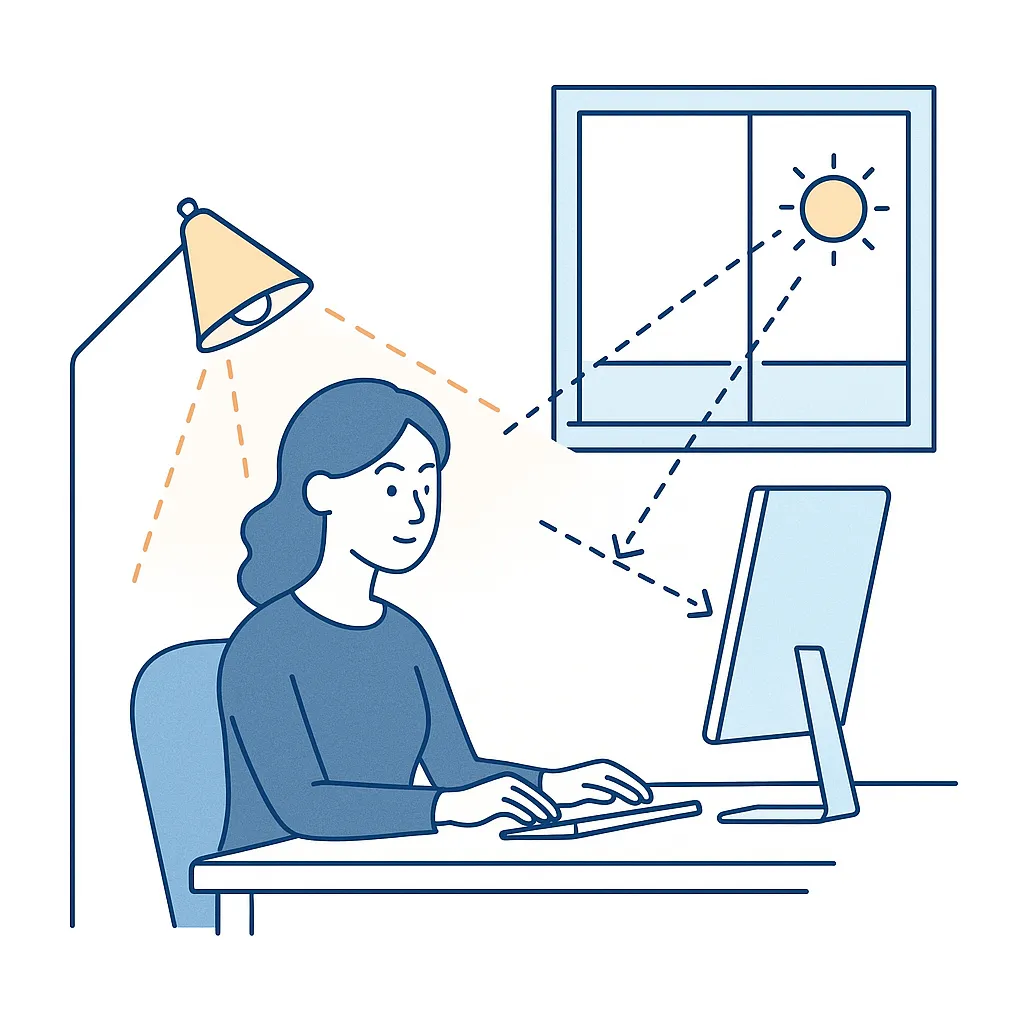
- Use bright, even light, and keep your head straight—small tilts can throw off measurements. (This matches the general “setup for best accuracy” guidance from your PD guide.) Pupillary Distance (PD) Measure…
- If you want extra confidence, measure twice and make sure the results are consistent—just like repeating Methods 1–3.
How to know if your PD measurement makes sense
Here are a few quick “does this seem right?” checks:
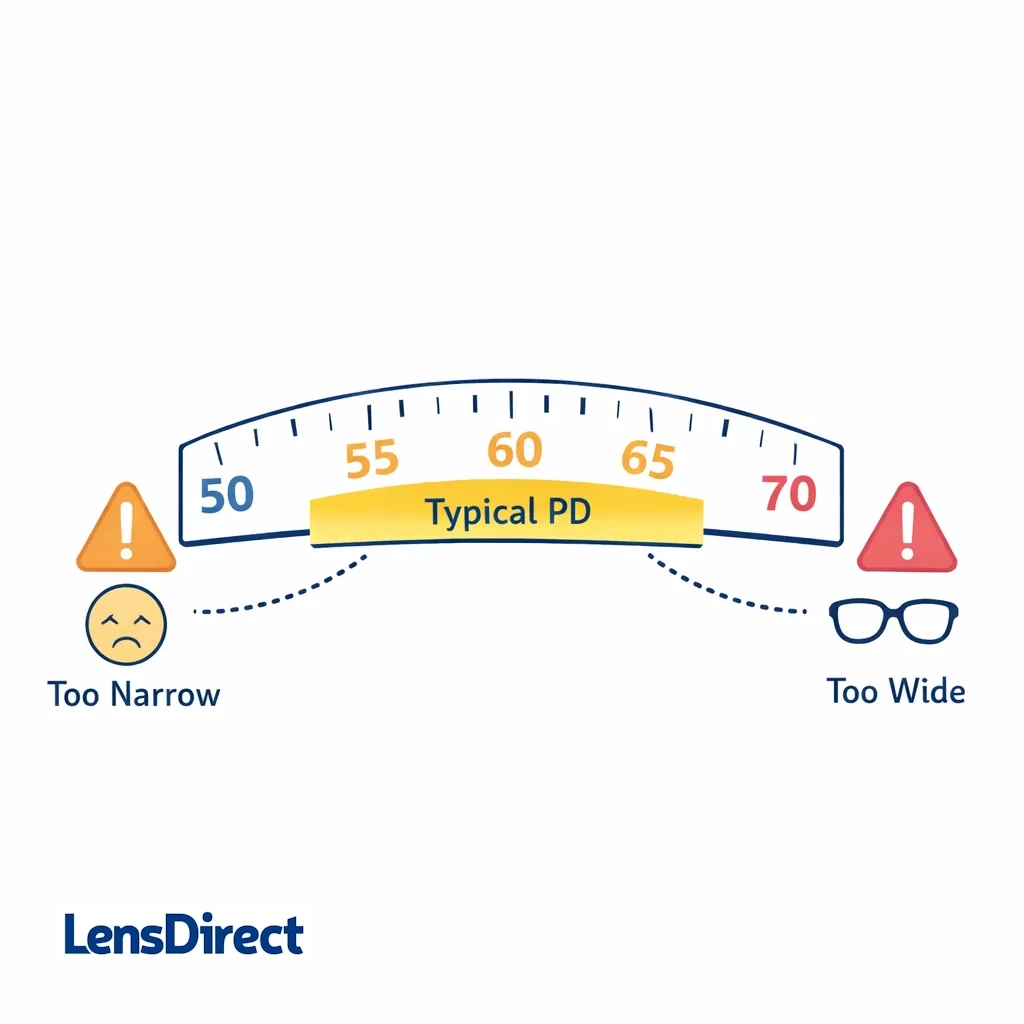
- Most adult PDs fall roughly in the mid-50s to low-70s mm range.
- If you got something like 45 mm or 80+ mm, it’s worth re-measuring.
- Your measurements should be consistent across attempts. If you get 59, 66, 62… do Method 2 or 3 to narrow it down.
Should you round your PD?
If your final number lands between millimeters (like 62.5):
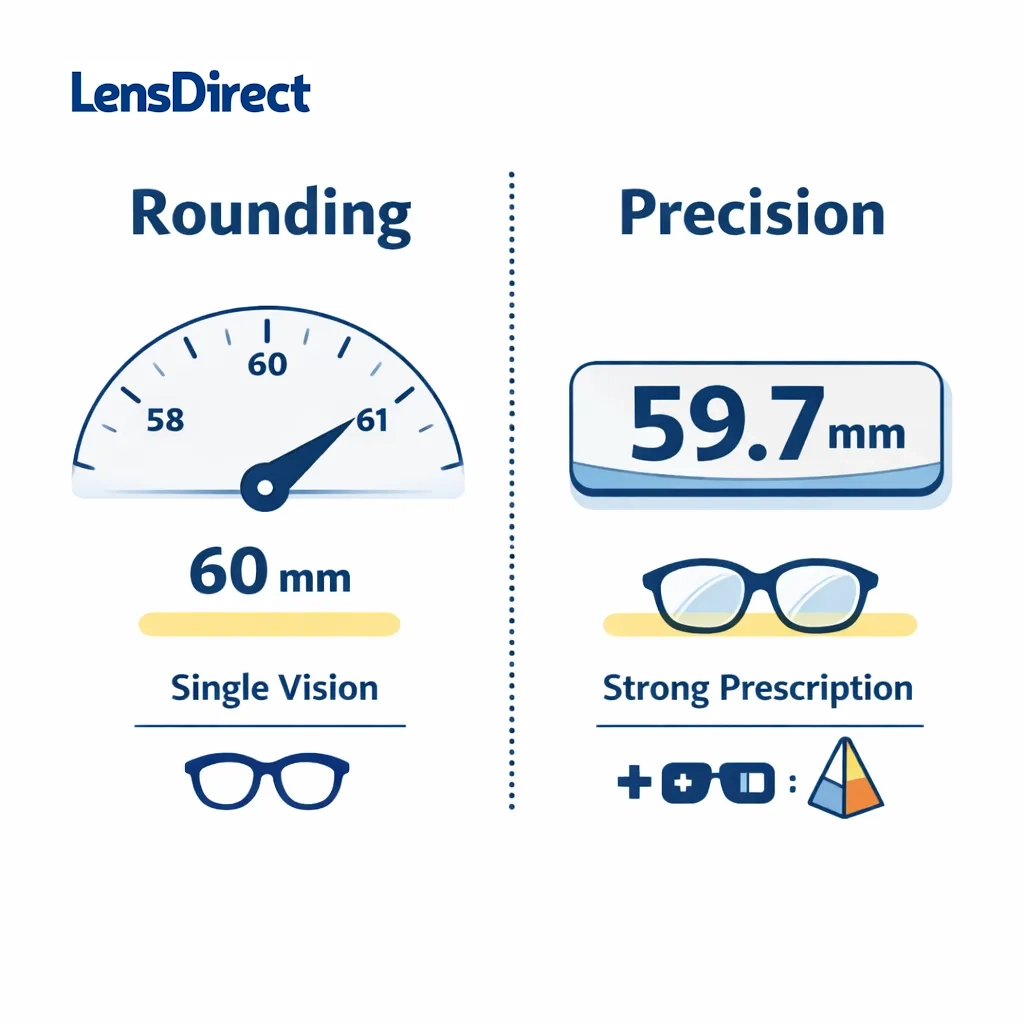
- For most single-vision orders, rounding to the nearest 1 mm is usually fine.
- If you have a high prescription or you’re getting progressives, it’s better to be as precise as possible (and dual PD helps).
When you should NOT rely on at-home PD alone
At-home PD works well for many people — but consider a professional measurement if:
- Your prescription includes prism
- You’re ordering progressives/bifocals and want the most precise fit
- You have a strong prescription (higher plus/minus)
- You’ve had trouble with eye strain in the past from poorly centered lenses
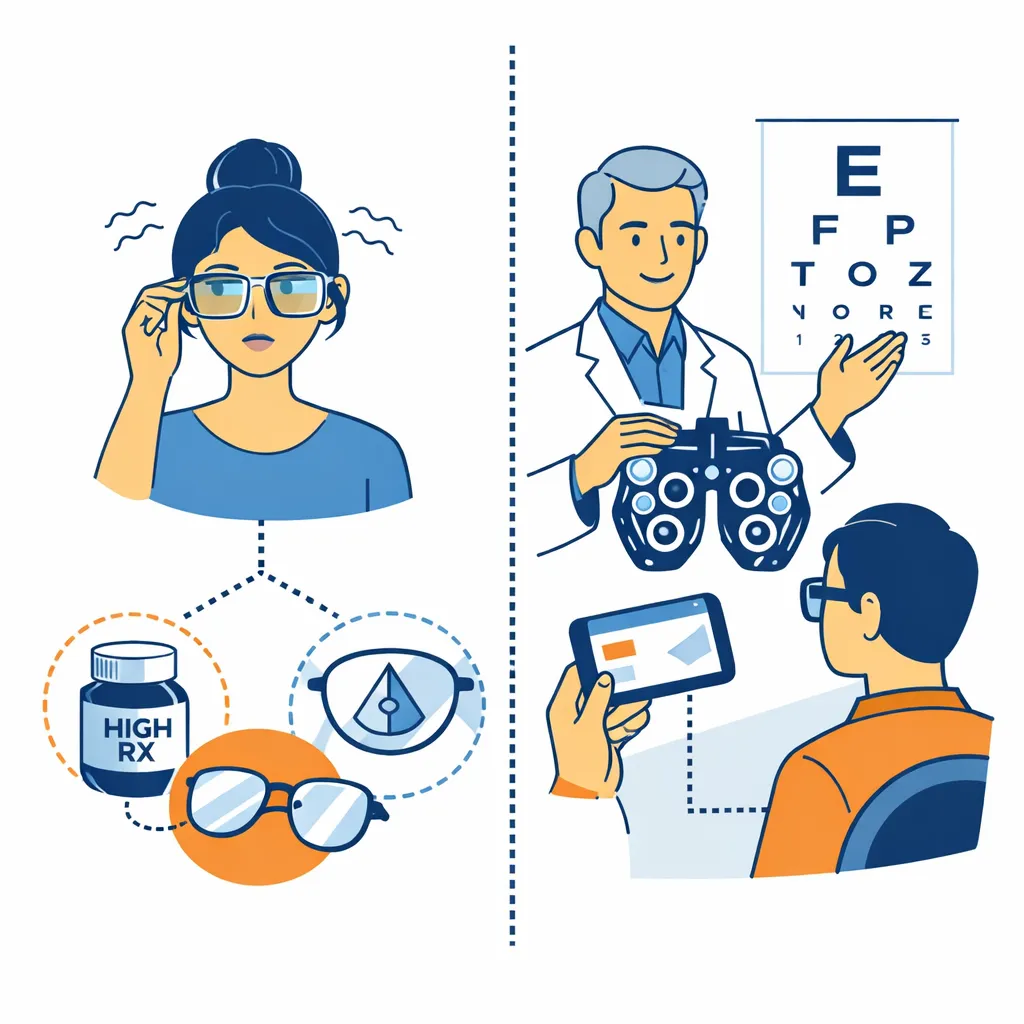
Also: your eye doctor or optician may already have your PD on file, even if it’s not printed on your prescription. It never hurts to call and ask.
Final checklist (use this before you enter your PD)
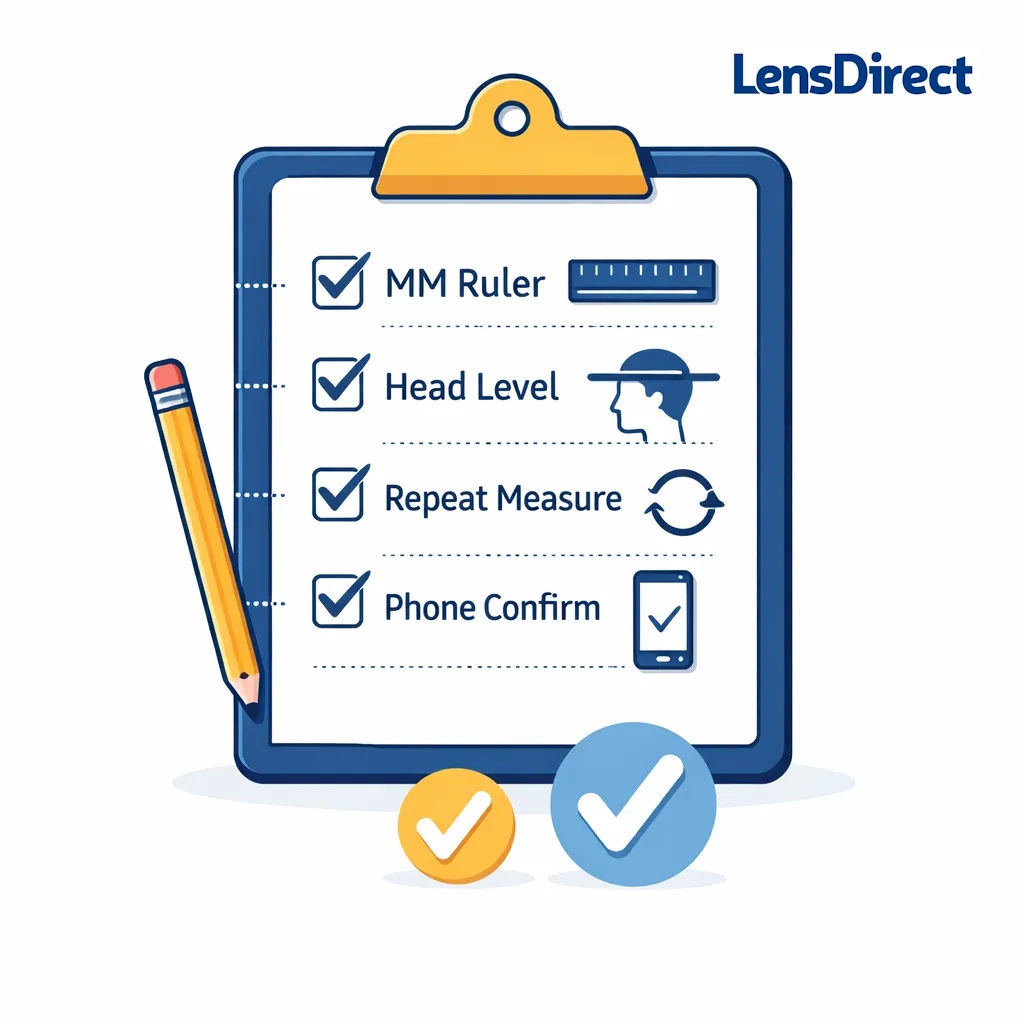
- Measured using mm, not inches
- Head level, no tilt
- Repeated measurement 3 times
- Picked the most consistent result
- Confirmed with smartphone method (optional but recommended)
Once you have your PD, ordering glasses online is way simpler — and you’ll be set up for clear, comfortable vision right out of the box.
Ready to order? Measure your PD using the method above, then shop LensDirect for prescription glasses that are centered correctly for your eyes. Enter your PD at checkout, choose your lenses, and you’re done — clear, comfortable vision without the guesswork.
Frequently Asked Questions
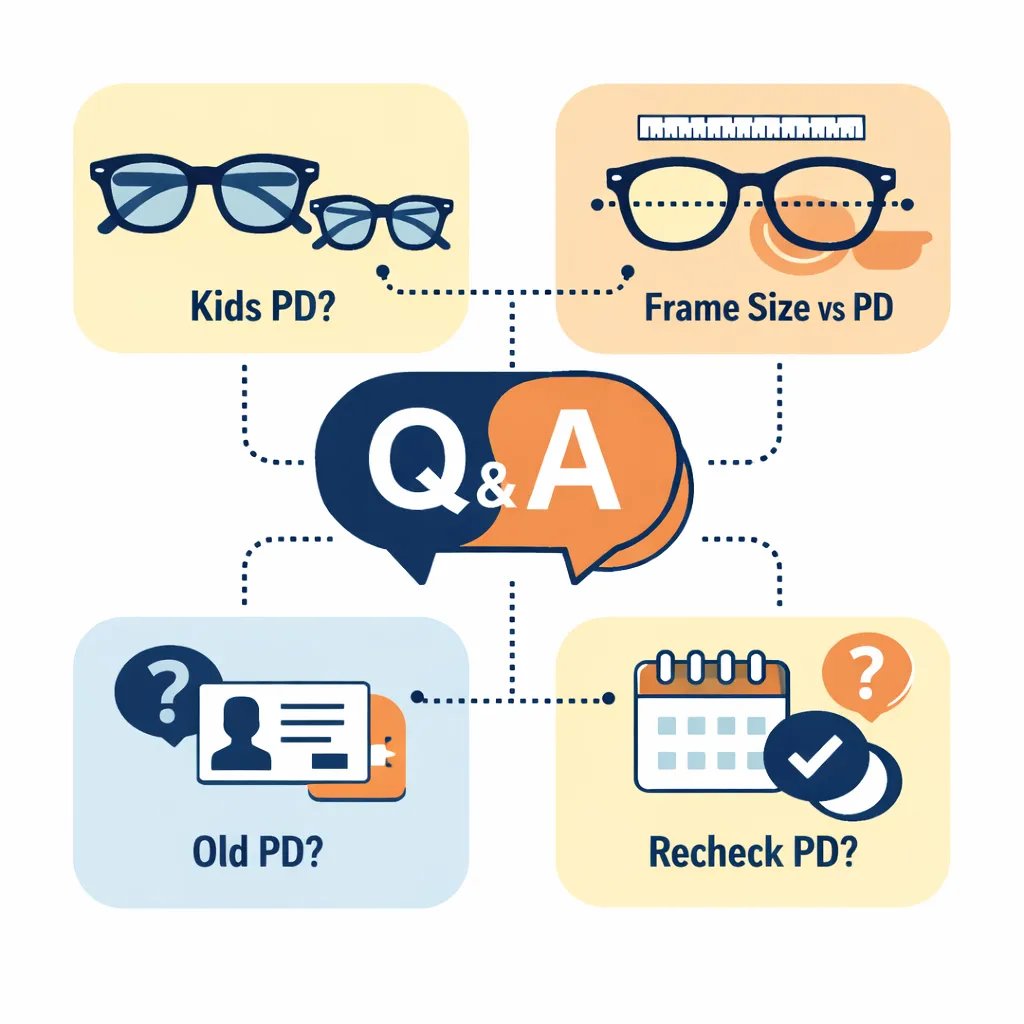
Can I use my old glasses PD?
Sometimes. If your old order paperwork lists PD, you can usually reuse it — as long as it’s a distance PD and you’re ordering similar lens types.
Do kids need a different process?
Kids’ PD can be measured at home, but it’s harder to keep them still and looking at the correct focal point. If possible, use the friend method and repeat it several times.
Is PD the same as “frame size”?
No. Frame size (like 52-18-140) is about the glasses dimensions. PD is about your eyes.
Author

Subscribe to our email newsletter to get the latest posts delivered right to your email.