
Contact lens rebates can be one of the easiest ways to lower your out-of-pocket cost, especially when you’re stocking up on a year’s supply or switching to a new brand. The catch is that rebates are usually not automatic, and small paperwork mistakes can cost you the savings.
This guide is for contact lens wearers buying online who want value and convenience without the hassle. You’ll learn what a contact lens rebate is, what you typically need to submit, and a simple step-by-step process to claim your rebate with fewer delays.
What a contact lens rebate is (and what it is not)
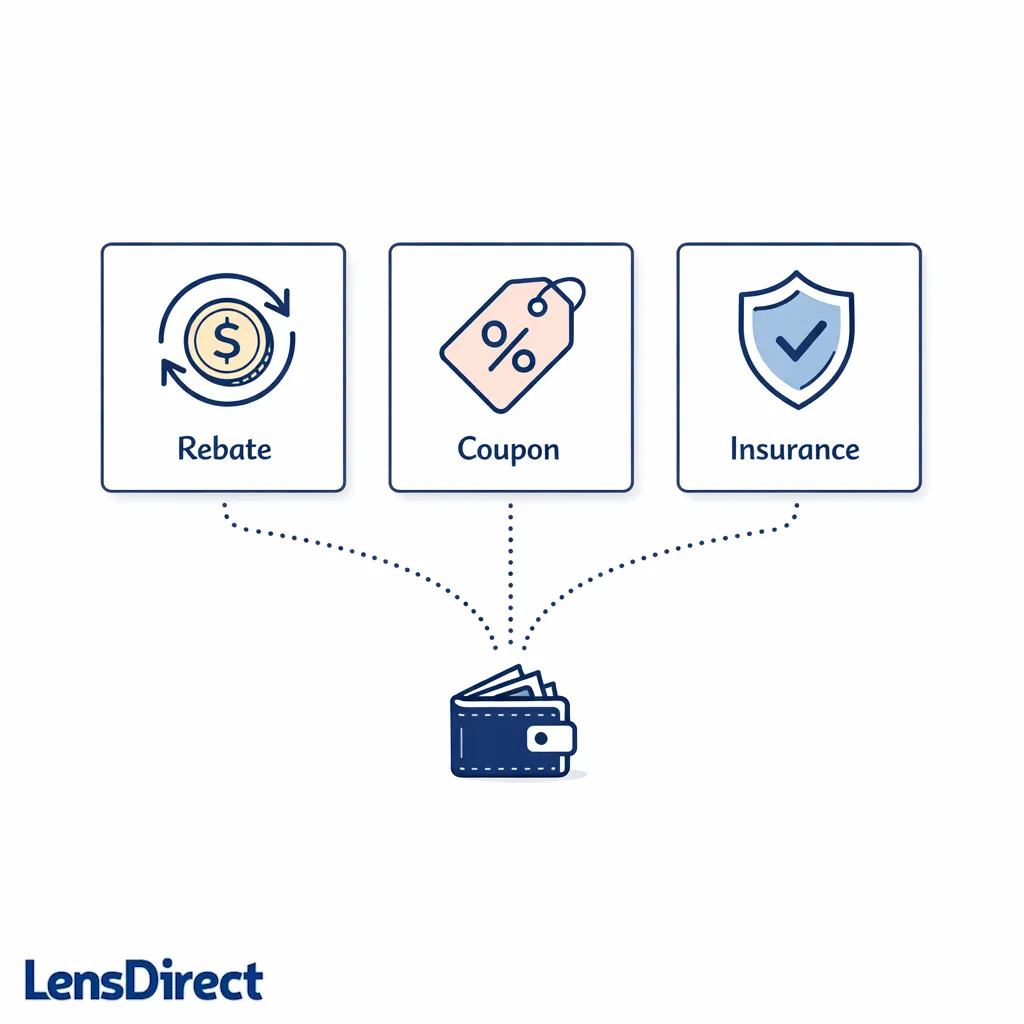
A contact lens rebate is typically a manufacturer promotion that returns money to you after purchase, usually by prepaid card or check, as long as you meet the promotion rules and submit the required proof. It’s different from a coupon or promo code, which reduces the price at checkout.
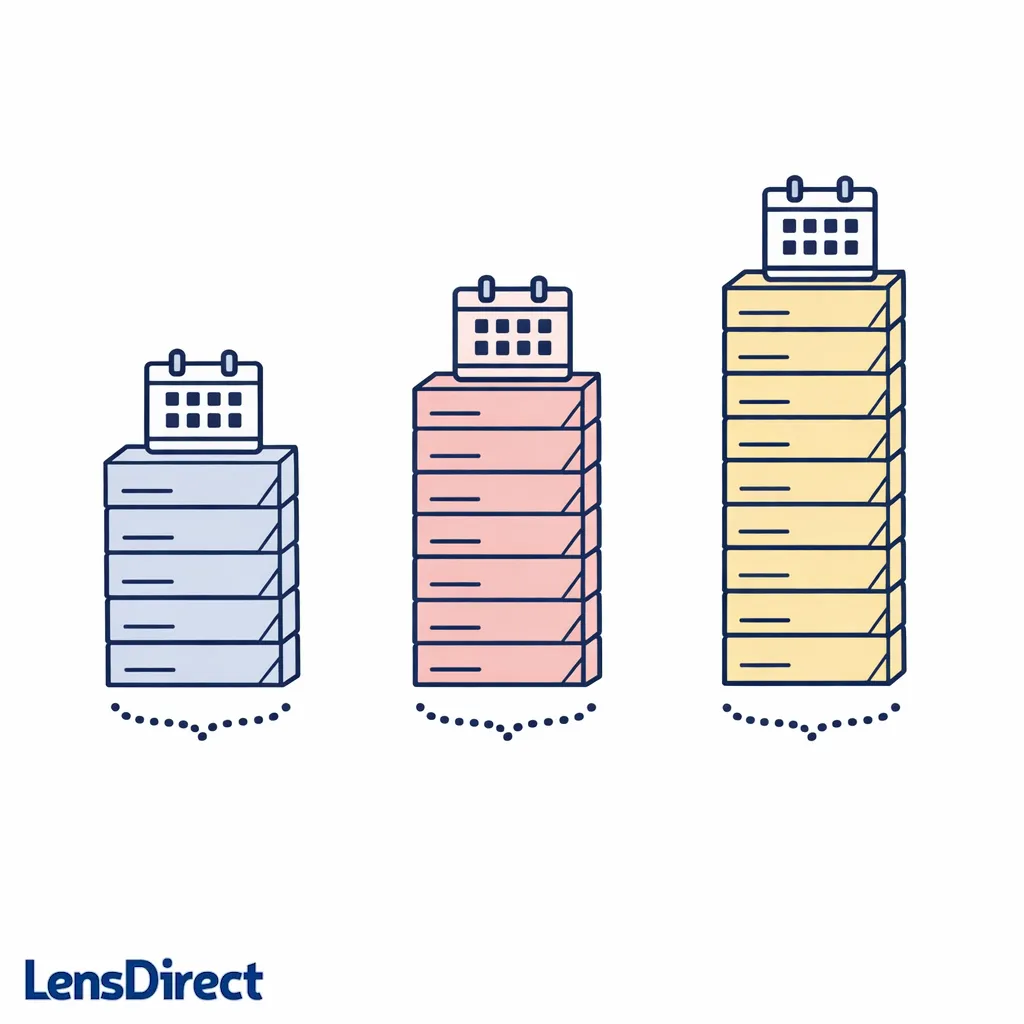
Rebates are commonly tied to buying a “year supply,” because manufacturers want to reward larger, less frequent purchases. “Year supply” does not always mean the same number of boxes for everyone, so always rely on the rebate’s terms rather than guessing.
Rebate vs. coupon vs. insurance
- Rebate: money back after you submit a claim and documentation.
- Coupon/promo code: instant discount applied at checkout.
- Vision insurance/FSA/HSA: separate benefit rules and documentation, depending on your plan.
Before you start: the one thing you must have
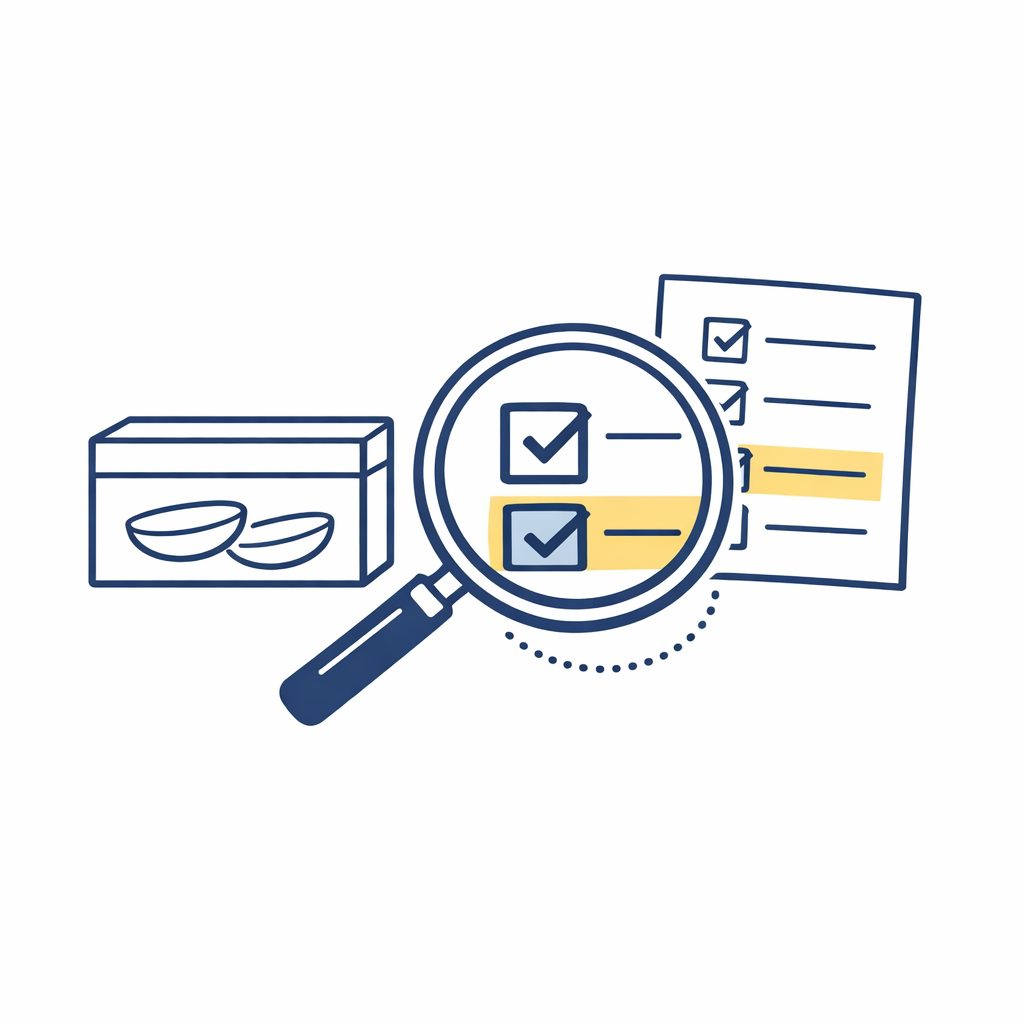
To buy contact lenses in the U.S., you generally need a valid contact lens prescription, and sellers have to follow verification requirements under the FTC Contact Lens Rule. If you’re not sure your prescription is current, check with your eye doctor before you order.
For safety and comfort, follow public health guidance on proper wear and care from the CDC’s contact lens resources and consumer information on purchasing and using lenses from the FDA’s contact lens guidance. Rebates are great, but eye health comes first.
Where contact lens rebates come from
Most rebates are offered by the lens manufacturer (not the retailer), and the claim is processed by a rebate fulfillment center. That’s why you’ll often submit your form on a manufacturer portal or mail it to a separate address listed in the offer terms.
Many major brands run rotating offers throughout the year. For example, Johnson & Johnson Vision posts current offers on its ACUVUE offers and rebates page, which is a helpful model for what you can expect to see: eligibility rules, required documents, and submission deadlines.
What changed (and what’s new) with rebates lately
Rebate processes have become more digital. Many offers now let you submit online, upload photos of documents instead of mailing originals, and receive rewards via digital prepaid card. Even if the submission is online, the “rules” still matter: deadlines, eligible products, and required proof haven’t gone away.
Separately, online contact lens buying has clearer guardrails than it did years ago, and retailers must comply with the FTC Contact Lens Rule regarding prescription release and verification. In practice, that means having your prescription details ready can make the buying step smoother, which makes it easier to meet rebate purchase requirements on time.
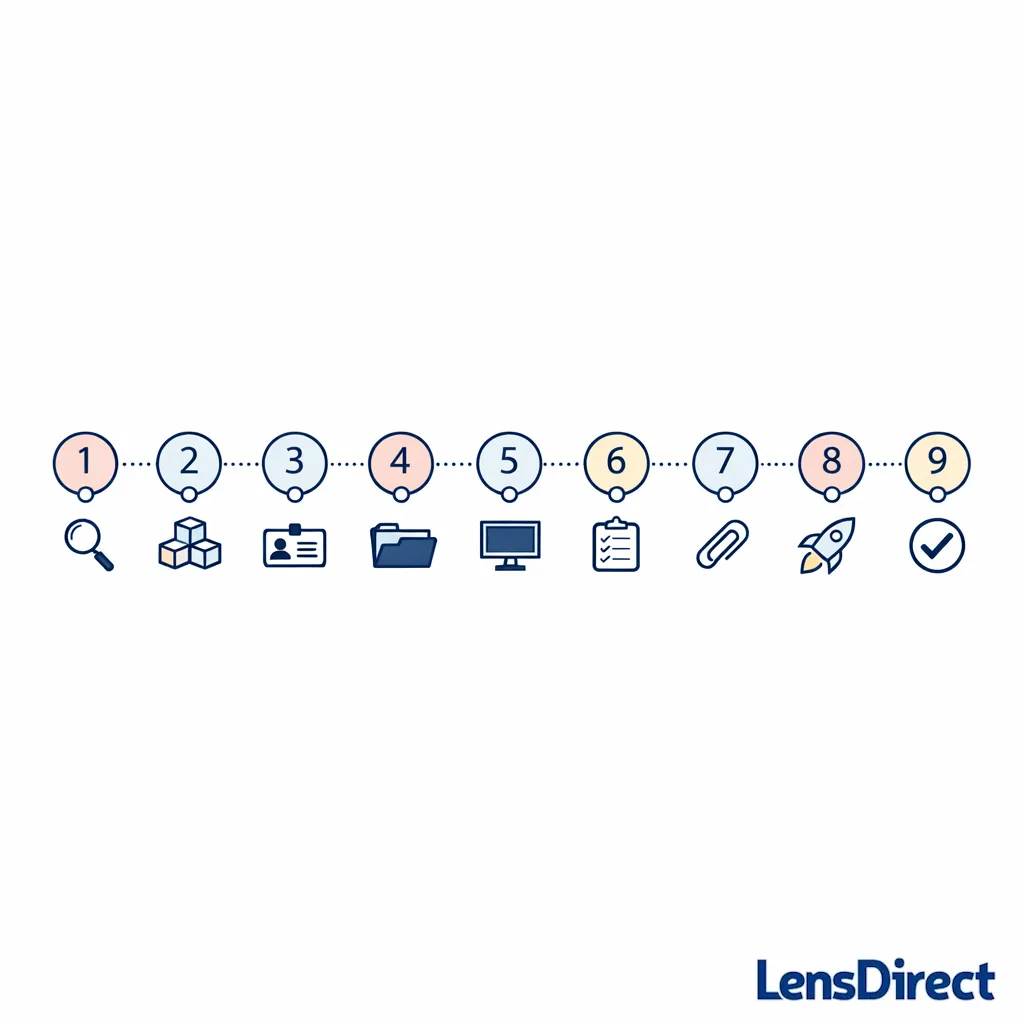
Step by step: how to claim a contact lens rebate
Step 1: Find the exact offer that matches what you plan to buy
Start by locating the rebate offer that applies to your brand, your lens type, and your intended quantity. Make sure the offer dates cover your purchase date (and sometimes your submission date too).
Look for these details in the offer terms: eligible SKUs (exact product variants), purchase quantity (often a year supply), where you must buy (authorized sellers), and what documentation you must provide.
Step 2: Confirm your “year supply” requirement before checkout
“Year supply contacts rebate” offers are usually tied to a minimum box count that depends on the lens replacement schedule (daily, biweekly, monthly) and whether you have the same prescription in both eyes. Don’t assume; verify what the offer calls a qualifying purchase.
If you’re ordering different prescriptions for each eye, double-check that your total order meets the requirement for each eye (or the combined total) based on the terms. When in doubt, match your cart to the examples in the official offer details.
Step 3: Place your order with clean, consistent information
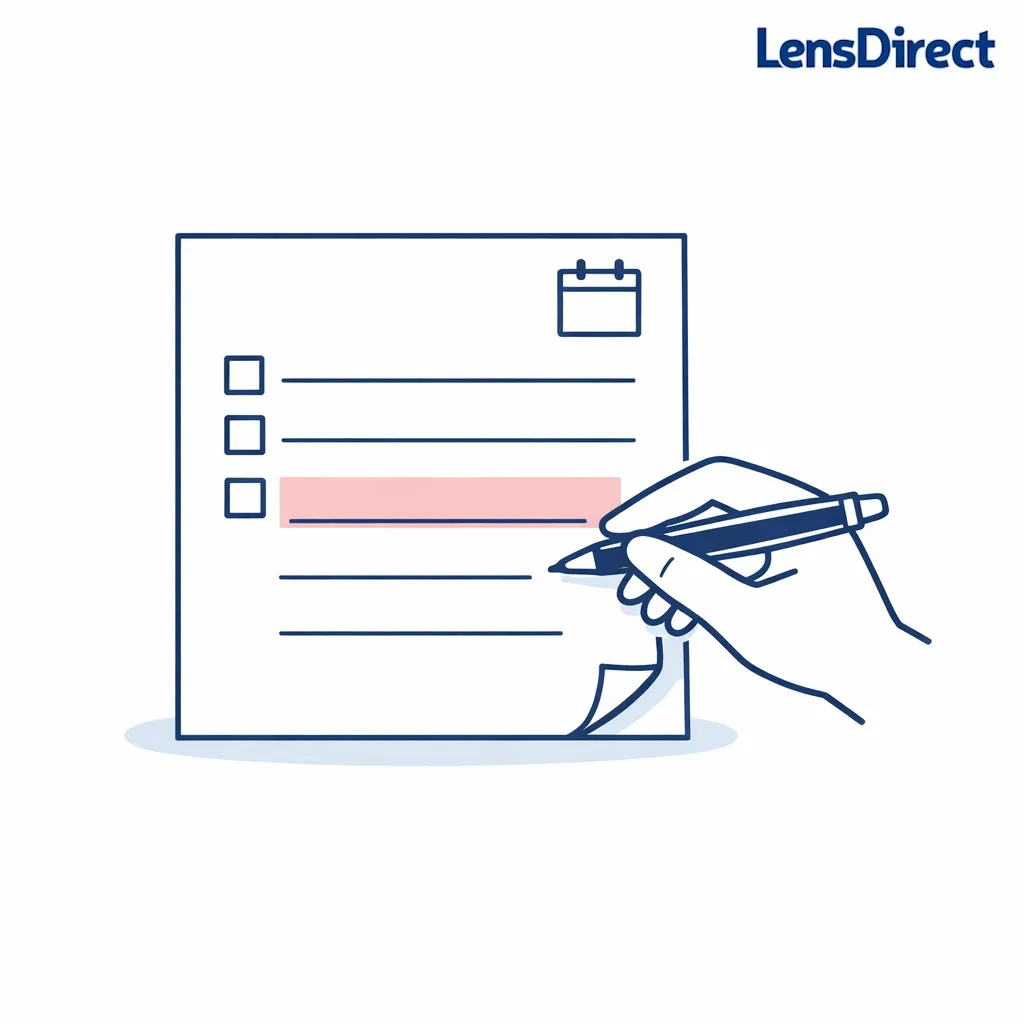
Use the same name and mailing address across your order, rebate submission, and any payment profile. Mismatches can trigger manual review or rejection, especially if the rebate is delivered by mail or tied to identity checks.
If you’re buying for a dependent or family member, read the offer’s rules about who must be the purchaser and who can be the recipient. When the terms say “household limits apply,” assume it is enforced.
Step 4: Save your proof right away (don’t wait)
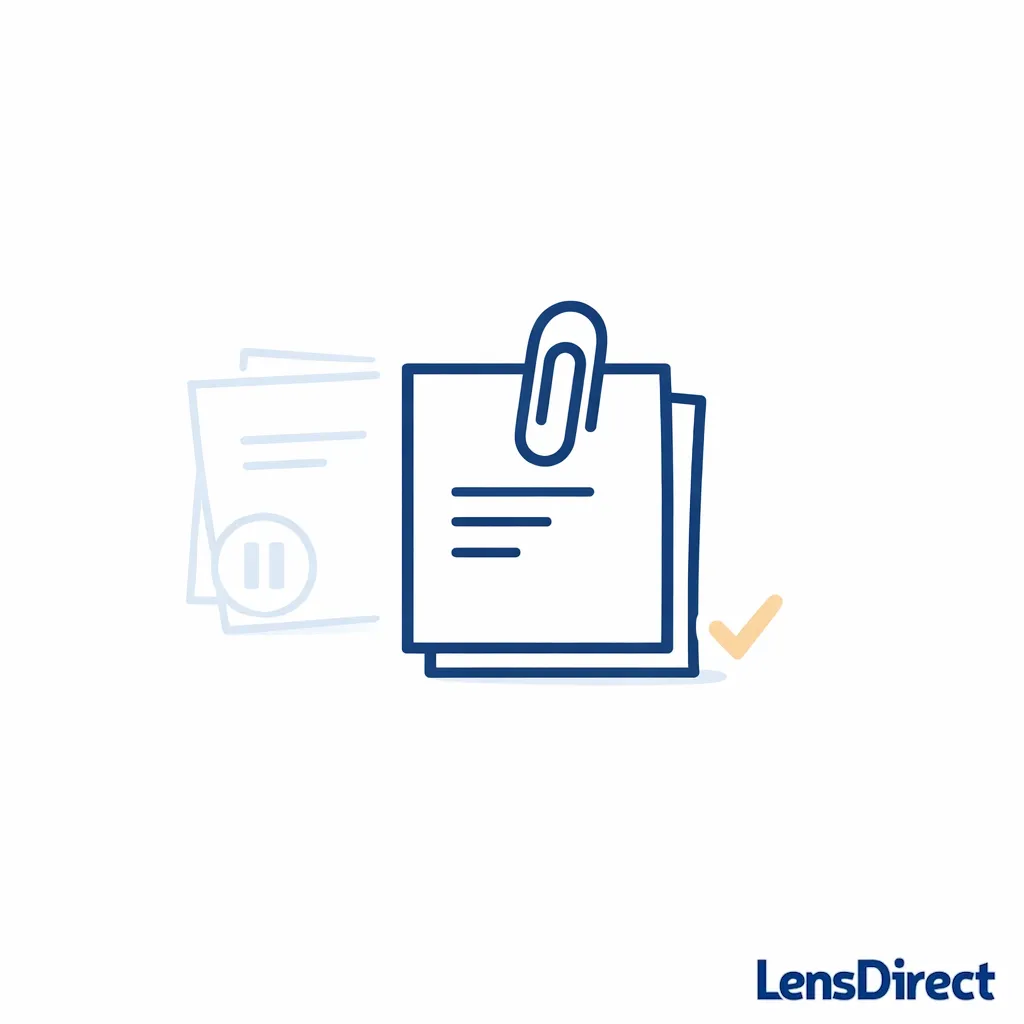
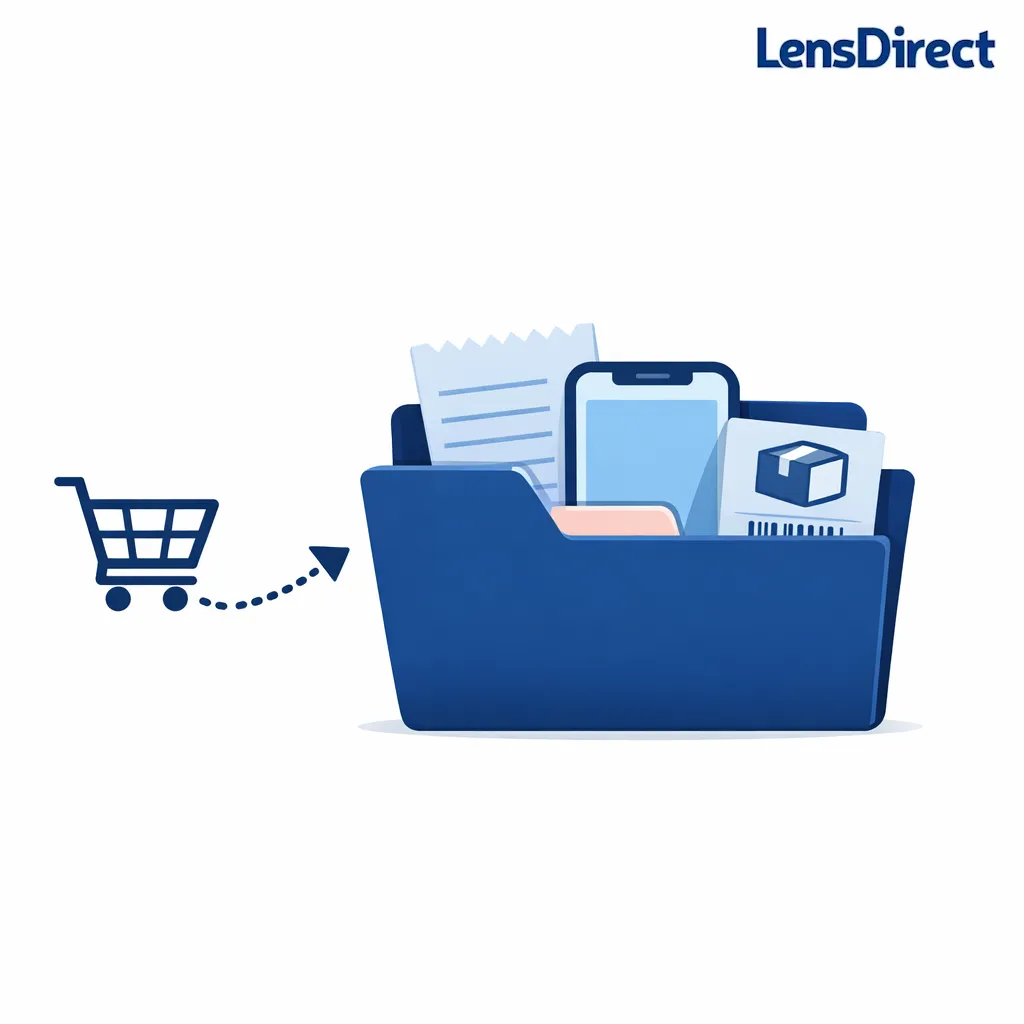
Rebates usually require some combination of an itemized receipt/invoice, an order confirmation, and product proof (sometimes a UPC panel from the box). The fastest way to avoid scrambling later is to create a small “rebate folder” as soon as you order.
- Download: your invoice or order receipt (PDF if available).
- Screenshot: the order details page showing product name, quantity, and date.
- Keep packaging: until you receive your rebate (some offers require a box panel).
Step 5: Decide whether you’re submitting online or by mail

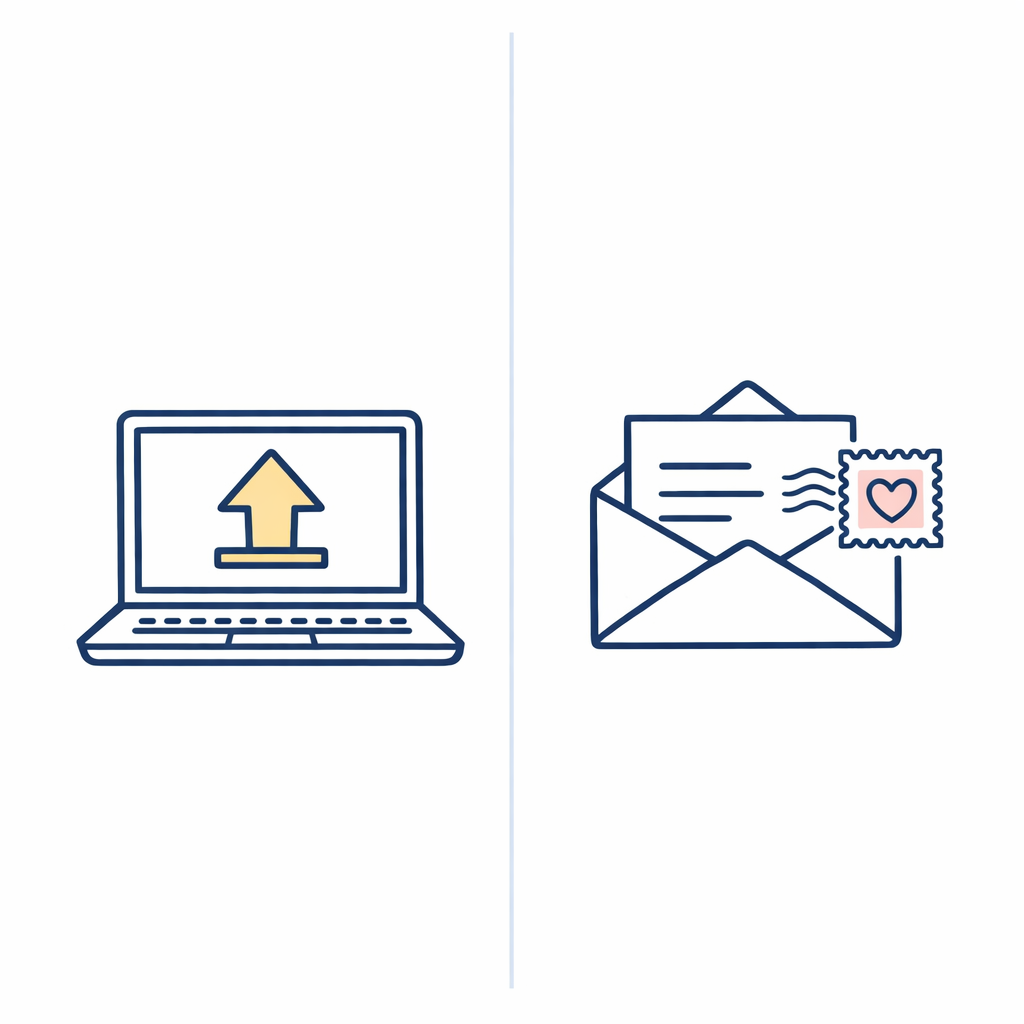
Many offers let you submit online, which can be faster and easier to track. Others are still “mail-in rebate” offers where you print the form, attach documentation, and mail everything to the address listed in the terms.
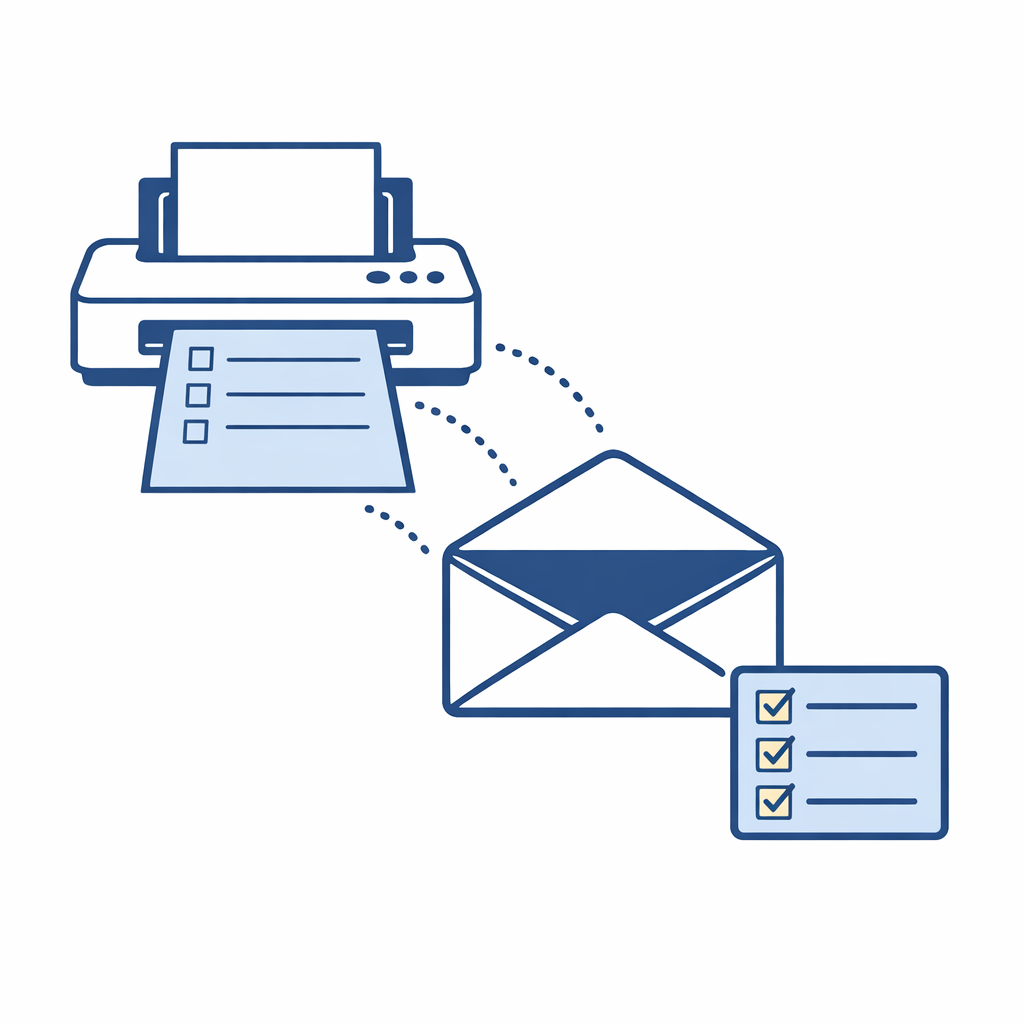
If the offer is mail-in, confirm whether it requires an original receipt, copies, or specific packaging. If you need to “print rebate form,” print it as soon as you’re eligible so you don’t miss the deadline.
Step 6: Fill out the rebate form carefully (this is where most errors happen)
Whether online or paper, complete the form slowly and match details exactly to your purchase documentation. Small errors like a wrong purchase date, a missing apartment number, or a misspelled email can cause delays.
- Enter product details exactly as listed (brand, lens family, quantity).
- Use a reliable email you can access for status updates.
- Double-check address formatting to avoid delivery problems.
Step 7: Attach the right documents (and only what they request)

Rebate reviewers typically check two things: that you bought the eligible product in the eligible time window, and that you met the quantity requirement. Your receipt/invoice usually proves this, but some offers also require proof-of-purchase from the packaging.
Don’t add extra documents unless they’re requested. Submitting the wrong paperwork can slow processing if it triggers manual review.
Step 8: Submit early and keep copies of everything
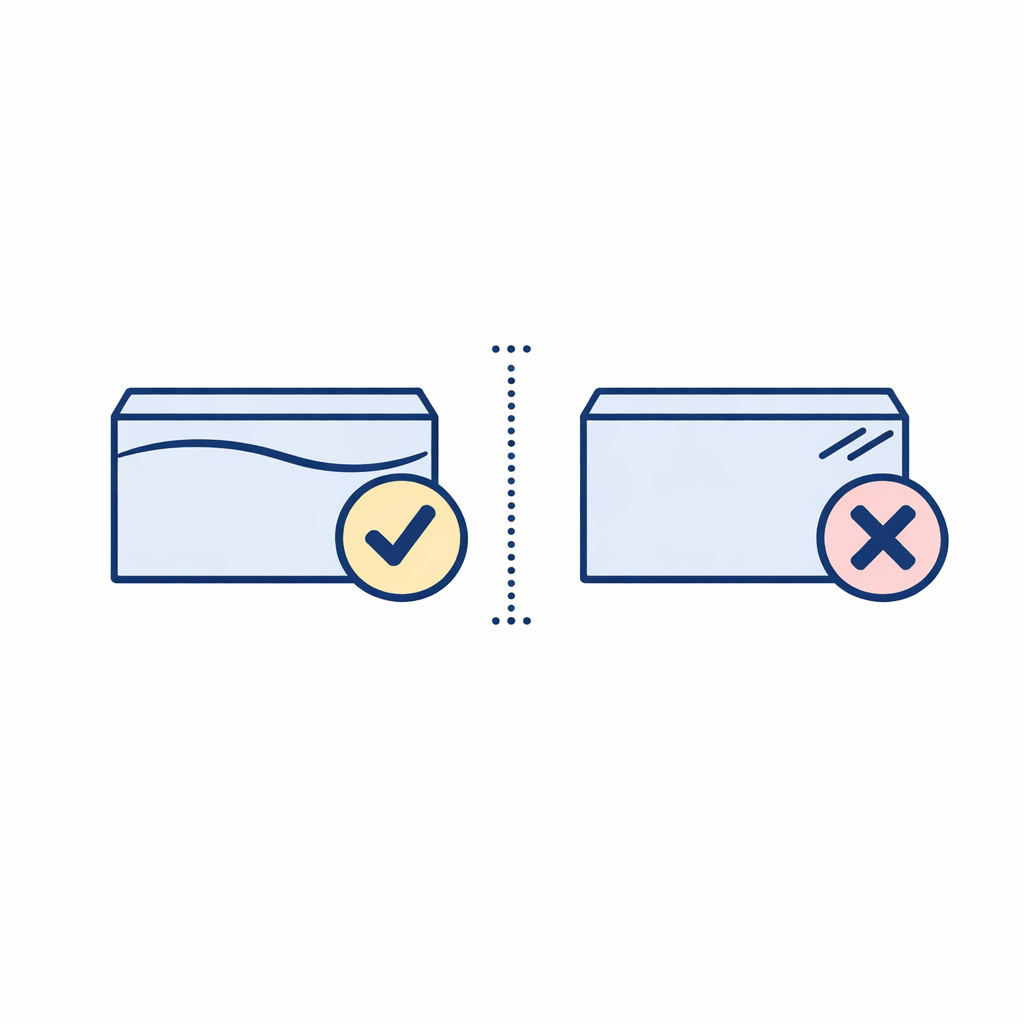
Deadlines are the biggest rebate killer. Submit as soon as you have the required documents, not “sometime this month.” If it’s mail-in, account for mailing time and keep a copy of what you sent.
General best practices like keeping copies, sending submissions early, and following the offer’s exact steps are consistent with the FTC’s consumer guidance on rebates.
Step 9: Track your rebate status and respond quickly to requests
Many rebate portals provide a status tracker, and some will email you if anything is missing. If you get a “needs more information” notice, respond quickly and provide exactly what they ask for.
If you mailed the rebate, keep a record of the date you sent it and what you included. If the terms allow, use a mailing method that gives you proof it was sent.
Common mistakes (and how to avoid them)

Mistake 1: Buying the wrong variation of the lens
Within one brand, small differences (toric vs. spherical, multifocal vs. single-vision, different family names) can make an item ineligible. Avoid this by matching the offer’s eligible product list to your cart before you check out.
Mistake 2: Missing the submission window
Rebates usually have a submission deadline that starts from your purchase date, not from when your lenses arrive. Put a reminder on your calendar for a week after you order so you submit while everything is still easy to find.
Mistake 3: Throwing away the box too soon
Even when you submit online, some offers still require a UPC panel or code from the box. Keep all packaging until your rebate is approved and delivered.
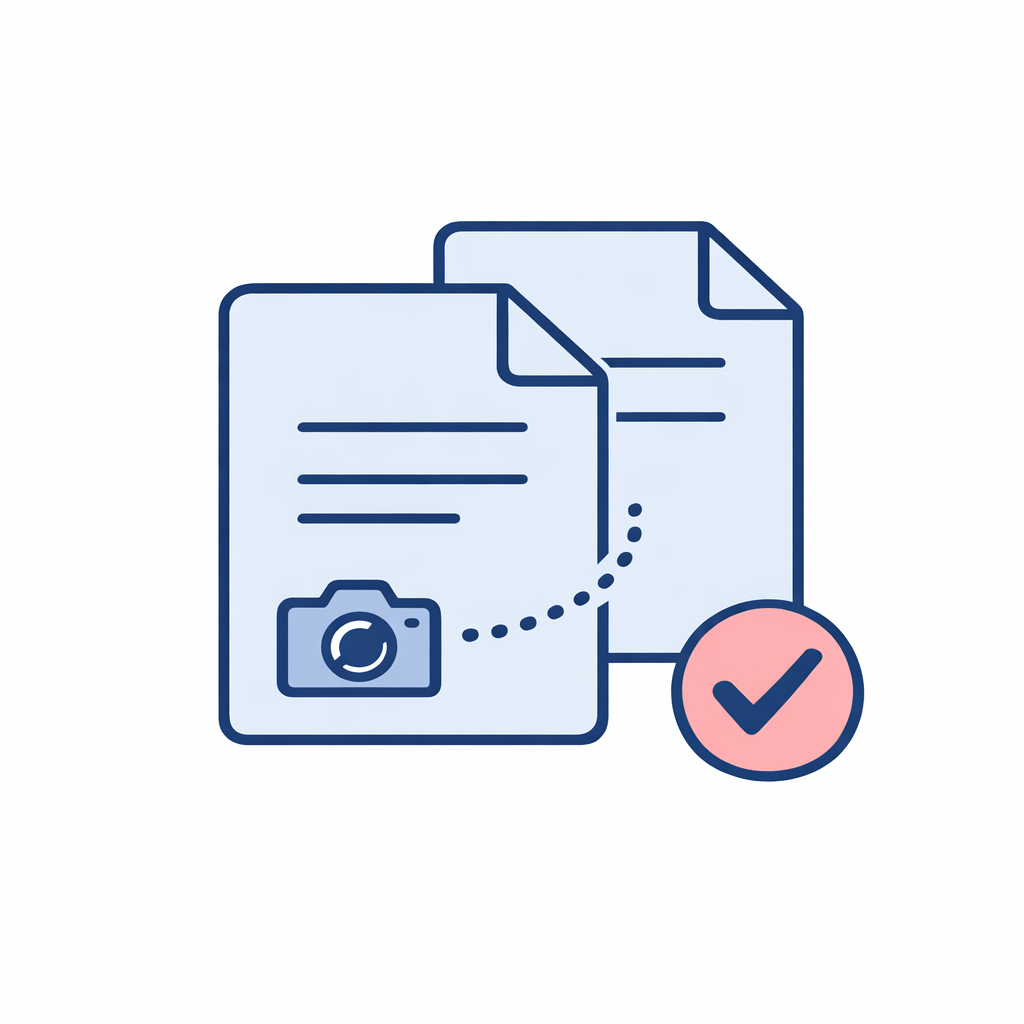
Mistake 4: Submitting unreadable photos or incomplete pages
If you’re uploading documents, make sure the date, retailer, product, and quantity are clearly visible. Take photos in good light and avoid cutting off the corners of receipts or forms.
Mistake 5: Trying to “stack” in ways the terms don’t allow
Many promotions allow rebates plus retailer discounts, but some limit combining offers, restrict multiple submissions per household, or exclude certain channels. Treat the rebate terms as the final authority, and if you want to combine savings, confirm it’s permitted before you buy.
How to maximize contact lens savings without making it complicated
Rebates are just one tool. The simplest approach is to decide what matters most to you (lowest net cost, fastest delivery, or convenience) and then use rebates and discounts to support that goal.
- Plan around your prescription timeline: order while your prescription is valid so verification does not slow you down under the FTC Contact Lens Rule.
- Buy what you actually wear: it’s not a deal if you end up with boxes you cannot use comfortably or safely.
- Keep a “rebate kit”: a folder (digital or paper) for invoices, screenshots, and offer terms.
Quick FAQ
Do I have to mail anything, or can I do it online?
It depends on the offer. Many are online now, but some are still mail-in and require a printed form and mailed documentation. The offer terms will specify the allowed submission method and what counts as proof.
What does “print rebate form” usually mean?
It usually means the manufacturer provides a PDF form you must print, fill out, and mail with your receipt and any required proof-of-purchase. If the terms say the form must be included, don’t substitute a handwritten note.
Is a “year supply” always 12 boxes?
No. A “year supply” depends on the lens modality (daily, biweekly, monthly) and the manufacturer’s definition in the promotion. Always follow the offer’s requirement for your specific product.
Can I buy contacts online safely?
Yes, when you use a valid prescription and buy from reputable sellers that follow verification requirements under the FTC Contact Lens Rule, and when you follow wear-and-care guidance from the CDC’s contact lens resources and consumer information from the FDA’s contact lens guidance.
What to do next: a simple rebate checklist
Before you buy:
- Before you buy: open the rebate offer terms and confirm eligible product, dates, quantity, and submission method.
- At checkout: ensure your name/address are correct and consistent, and save your order confirmation.
- After delivery: keep packaging, download your invoice, and take clear photos of anything you might need to upload.
- Submission day: complete the form carefully, attach exactly what is requested, and submit early.
- After submitting: save your confirmation number, track status, and respond quickly if they request more info.
Ready to put your rebate savings to work?
If you’re building a year-supply order or just replacing what you wear every day, keeping your documents organized and following the offer terms step by step can make “contact lens savings” feel straightforward. When you’re ready to shop, LensDirect makes it easy to order with your prescription details and keep your order records handy for rebate submissions.
- Shop Contacts
- Shop Glasses
- Replace Your Lenses
- Browse Best Sellers
- Find Your Fit
- Compare Options
- Learn More
Author

Subscribe to our email newsletter to get the latest posts delivered right to your email.